

Uploading your first BIM model
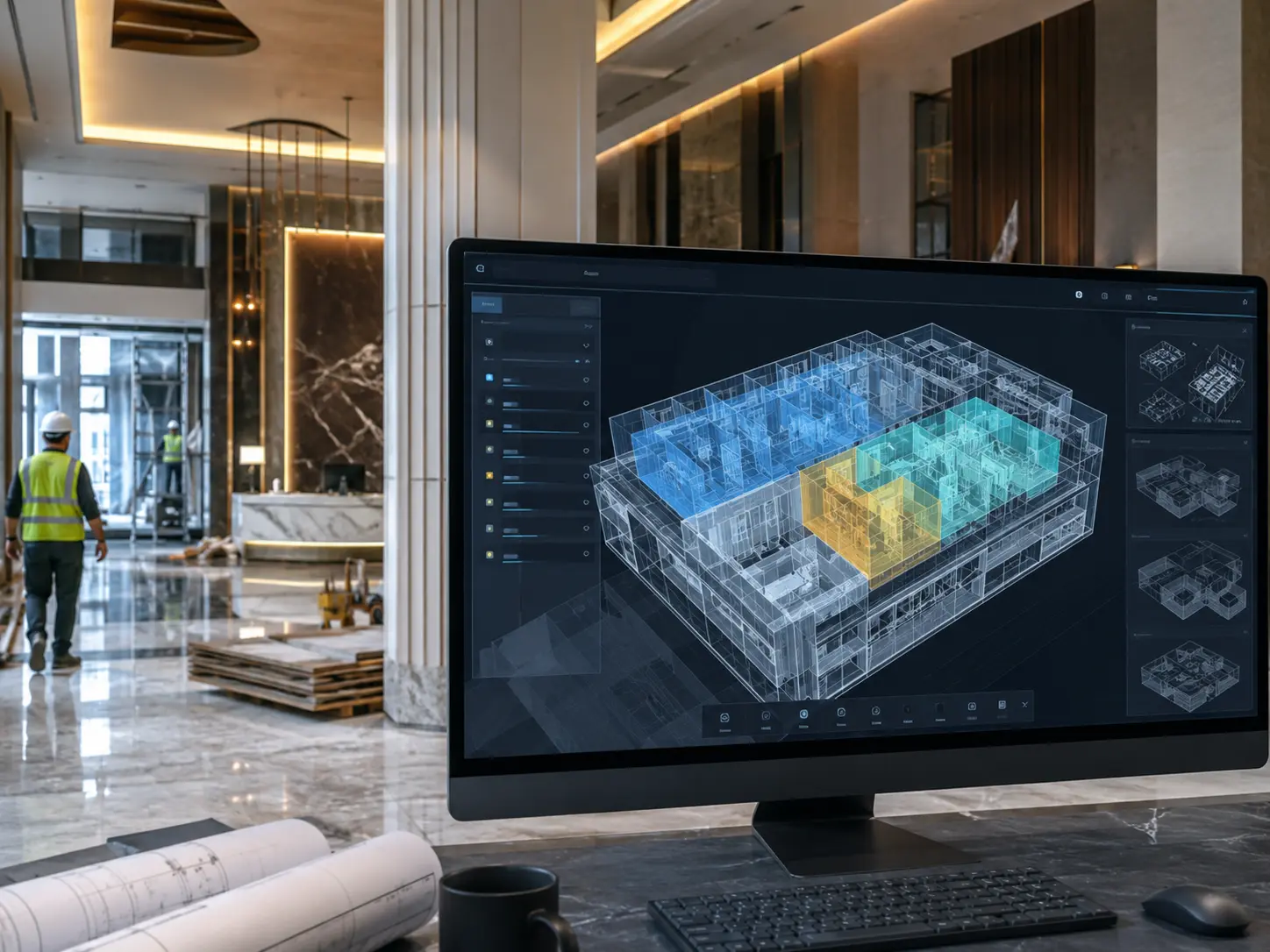
A step-by-step walkthrough of how to upload a Revit file and activate your digital twin in Scope3D — from file prep to live twin in under 30 minutes.
Overview
As BIM adoption accelerates across owners, builders, and operators, so does the complexity of managing model data across hundreds of stakeholders. This report breaks down the workflows, tools, and real-world strategies used by top-performing project teams to reduce rework, accelerate handover, and unlock ongoing FM value from their digital twins.
You’ll learn how to
-
Structure a BIM Execution Plan that aligns owners, GCs, and subcontractors from day one
-
Use clash detection to eliminate rework before it starts on site
-
Package your digital twin for FM handover so day-one operations run smoothly
-
Measure and communicate the ROI of BIM investment to owners and stakeholders
Key takeaways
-
1
Teams using BIM coordination cut on-site rework by an average of 35%.
-
2
Clash detection resolved in the model stage saves 3x the cost of fixing it on site.
-
3
A structured BIM handover package cuts FM onboarding time by up to 50%.
In today’s market, projects that run on disconnected PDFs, spreadsheets, and phone calls are at a structural disadvantage. Owners, operators, developers, and the teams they work with who adopt model-driven delivery — with a live digital twin at the center — gain cost control, stakeholder accountability, and a living asset that pays dividends from handover day forward.