
Home
Scope3D

Built for your project. Adapted to your workflow.

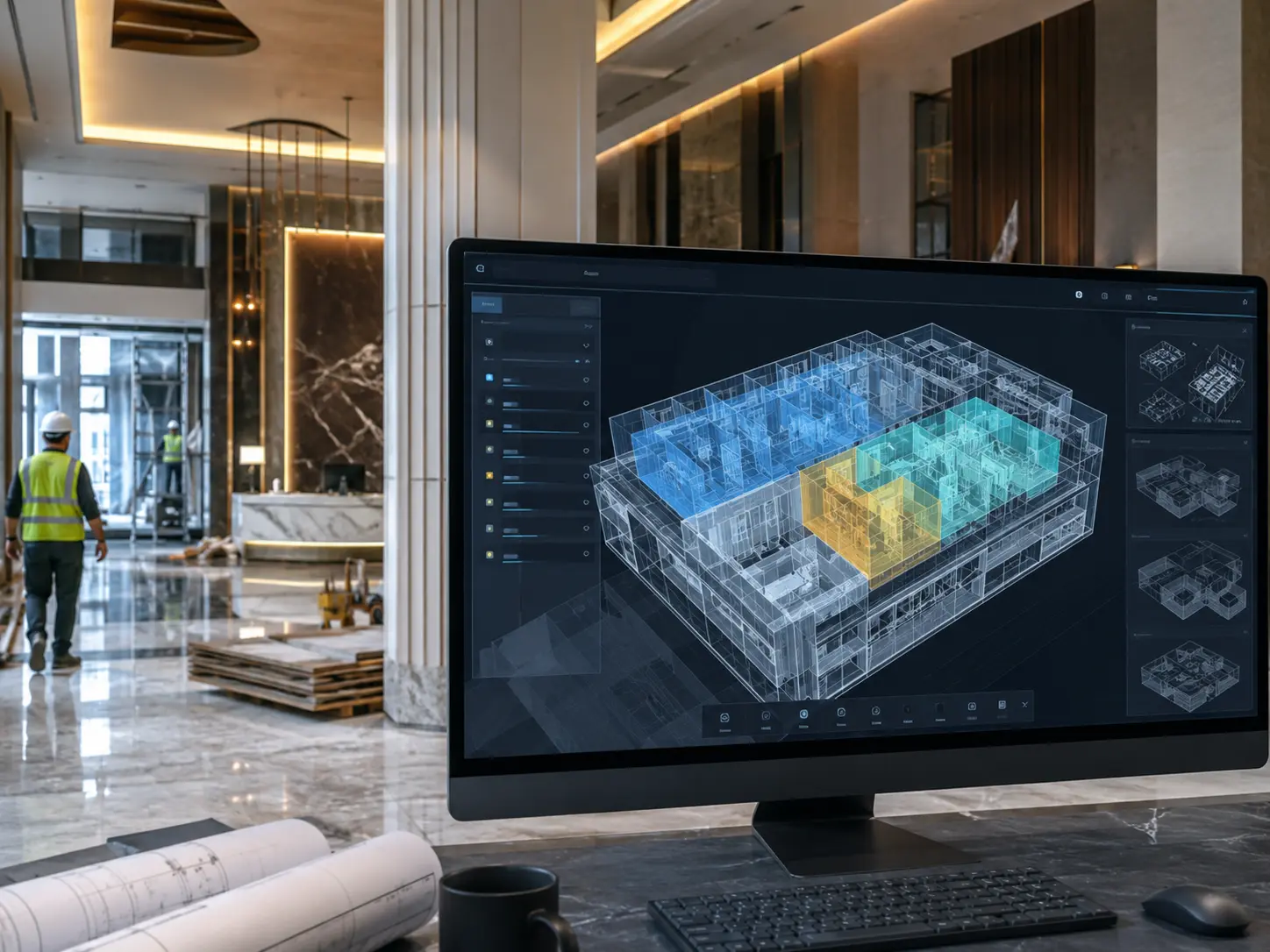
Scope3D is built for owners, builders, architects, contractors, and operators. Whether you are onboarding a Revit or BIM model, tracking milestones, or handing over a completed building — Scope3D is the platform that grows with your project.

Abstract blurred for Crypto product tour
BIM Basics 25 Hours 25 Hours

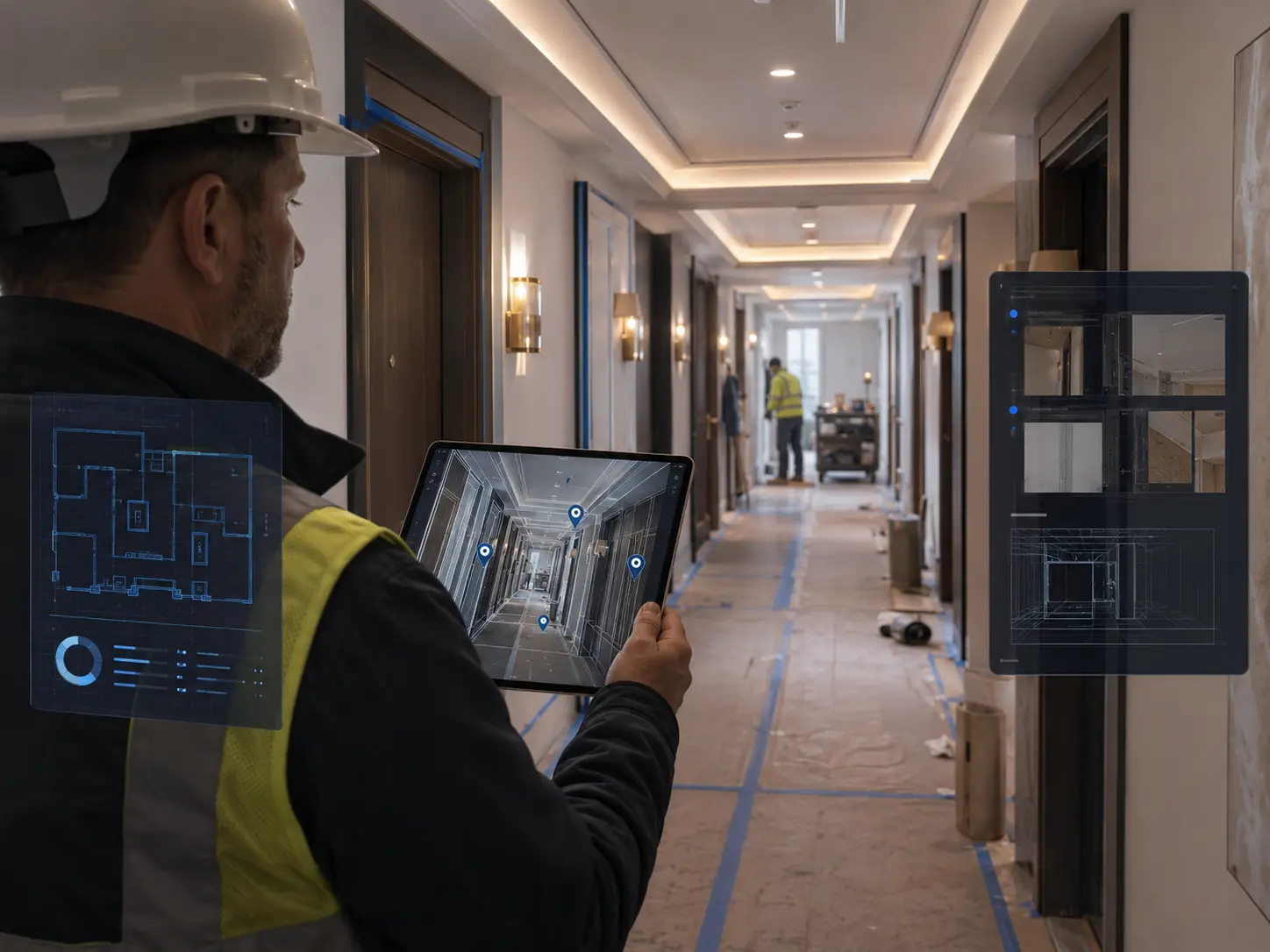
Uploading your first BIM model

A step-by-step walkthrough of how to upload an Revit file and activate your digital twin.
Abstract blurred for Crypto product tour
Model Upload 25 Hours 25 Hours

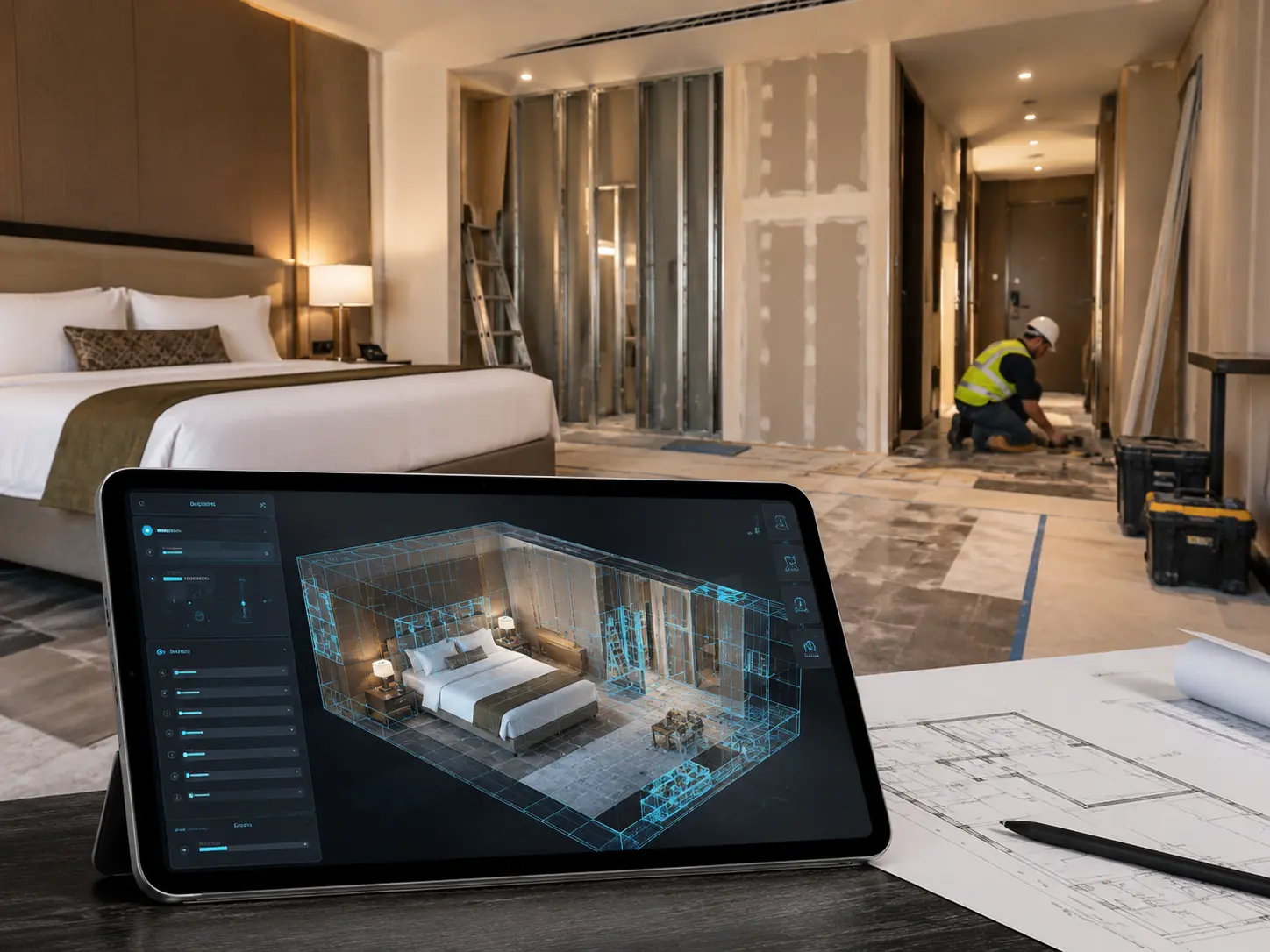
Your first model upload — what happens next

Learn how Scope3D parses your model file, assigns zones, and generates your 3D twin automatically.

Modern office with colorful dashboard lines for Finance dashboard
BIM Basics 25 Hours 25 Hours

Setting up your project dashboard

Configure stakeholder views, zone filters, and milestone tracking for your specific project.

Abstract red and pink blurred for Design guide
Integrations 25 Hours 25 Hours

Connecting Scope3D to Procore and Autodesk ACC

Sync your issue tracker, RFIs, and submittals from Procore or Autodesk ACC into your digital twin.

Abstract green and orange blurred for AI software product tour
Operations 25 Hours 25 Hours

Managing punch lists and FF&E in your twin

Track open items, assign responsible parties, and close out FF&E against your model in real time.

Abstract green and gold blurred for Investment dashboard
Hotels 25 Hours 25 Hours

Hotel renovation with Scope3D — a walkthrough

See how a Marriott property team coordinated 14 subcontractors across 400 rooms during active renovation.

More features

Featured guides

Step-by-step guides written by the Scope3D team for owners, builders, architects, contractors, and operators.

How to set up automated milestone alerts

Get notified when key project milestones are hit — without checking the dashboard manually.

Reading your digital twin analytics

Understand zone status, punch list progress, and project health at a glance.

Best practices for multi-stakeholder access

Keep owners, GCs, subcontractors, and FM teams working in the same view — with the right permissions.

Video tutorials

Short walkthroughs to help your team get up to speed — from BIM upload to live project coordination.

Residential projects

From single homes to multi-unit — every project in the same visual layer.

Walk the project

Navigate every space in your live 3D twin — before anyone sets foot on site.

AI spec finder

Ask anything about your project specs — get instant, accurate answers from your BIM.

Subtrade scopes

Each trade sees only their scope — no confusion, no information overload.

Progress tracking

Real-time completion status mapped directly to the building — room by room.

Issue reporting feed

Every site issue logged, assigned, and resolved — visible to everyone who needs to know.

review-bg

Projects tracked

120+

Active BIM digital twins

review-bg

System uptime

99.9%

Platform availability SLA

review-bg

Construction value

$2B+

Total project value managed

review-bg

Response time

3 minutes

Average support response

review-bg

Enterprise clients

150+

Active enterprise customers

gradient
Integration

Templates & tools

Make setup simple with ready-to-use project templates for hotel renovations, commercial fit-outs, and high-rise residential — so you can go live in hours, not days.

integration icon
integration icon
integration icon
integration icon
integration icon
integration icon
integration icon
integration icon
integration icon
integration icon
integration icon
integration icon
integration icon
integration icon

Join the Scope3D community

Connect with owners, builders, architects, contractors, and operators using Scope3D on active building projects.

Open discussions

Connect with owners, builders, architects, and operators using Scope3D on similar projects.

Use case sharing

See how teams are using digital twins to reduce RFIs, close punch lists faster, and improve handover.

Feedback & feature requests

Tell us what you need. Scope3D is shaped by the teams using it every day.

Get started

Ready to see Scope3D in action?

If you have any questions, feel free to reach out to our team.

  • Pilot on one property

  • White-glove onboarding