Hello There!
See your building as a living 3D twin you own.
Hello There!
See your building as a living 3D twin you own.
Straight answers about building your digital twin — what you can upload,
how long it takes, and what you own.
A living 3D twin of your building that you own. Explore it, edit it, finish it, tag every asset, price the work, and plan the spend in one place.
No. Scope3D is built for owners, operators, and managers. You work in rooms, assets, and costs rather than CAD layers, and the model stays correct underneath.
Studio, builder, modify, materials, layers, furnish, analyze, scope, capex, records, and share. Each is a mode on the same twin, so nothing is ever remodelled.
No. Renovation is one use case. Owners run capital plans, asset registers, coordination, takeoffs, and live operations against the same building twin.
Yes. Your twin, its geometry, records, and finishes belong to you — not to us. It stays yours for the life of the building, and an author seat can export the whole thing to IFC.
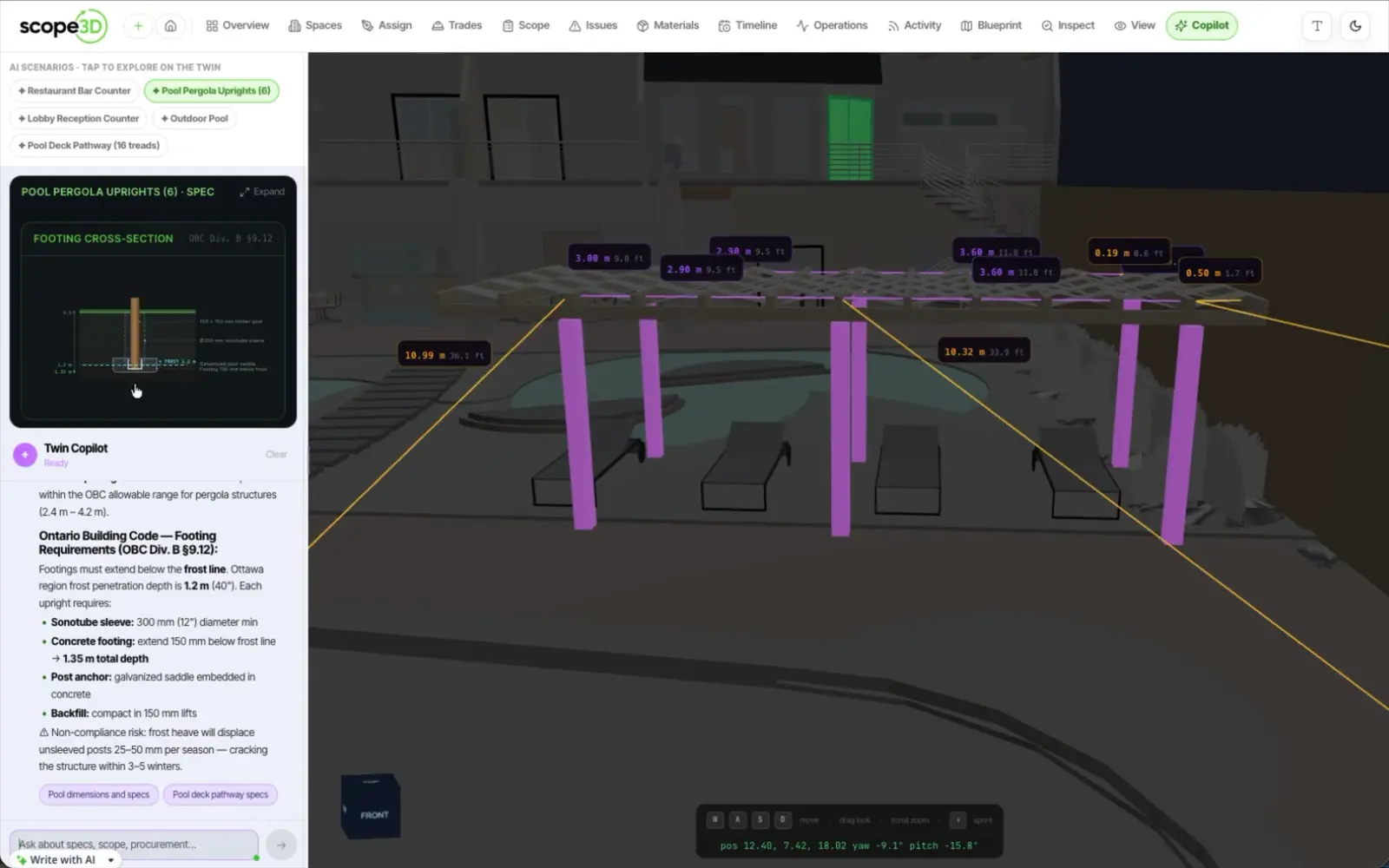
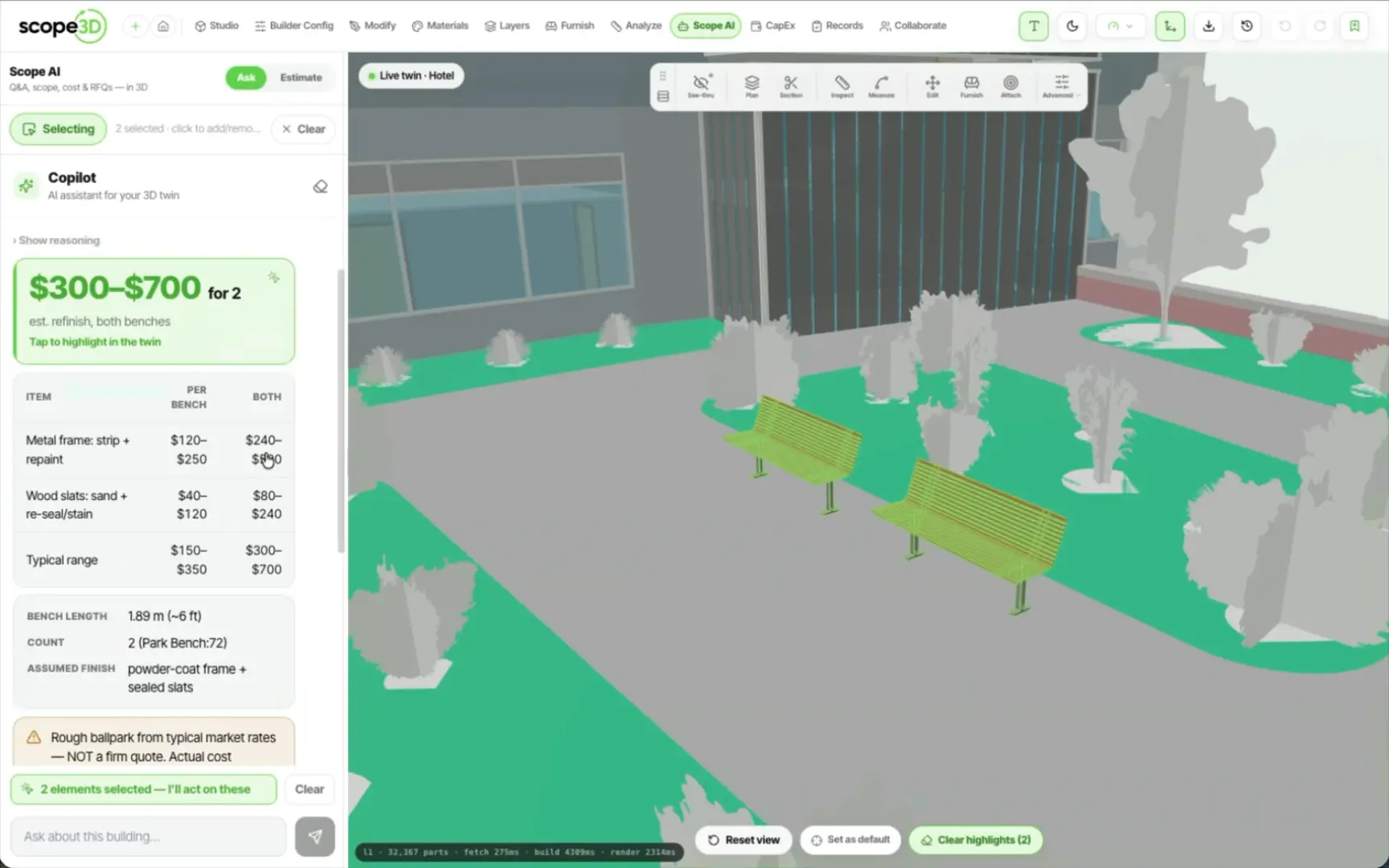
The copilot reads your twin as structured, semantic data — walls, rooms, assets, and finishes. Ask in plain language, and it measures, counts, and drafts a scope you refine.
Quick answers on building, editing,
and owning your twin.
Bring the files you already have. We will show you the twin you keep for the life of the building.