
Hello There!
See your building as a living 3D twin you own.
Hello There!
See your building as a living 3D twin you own.
Bring your building into Scope3D in a few clear steps — upload what you have, Scope3D builds it,
and you own it for life.
Bring IFC, Revit (.rvt), DXF, STEP,
or a PDF drawing set.
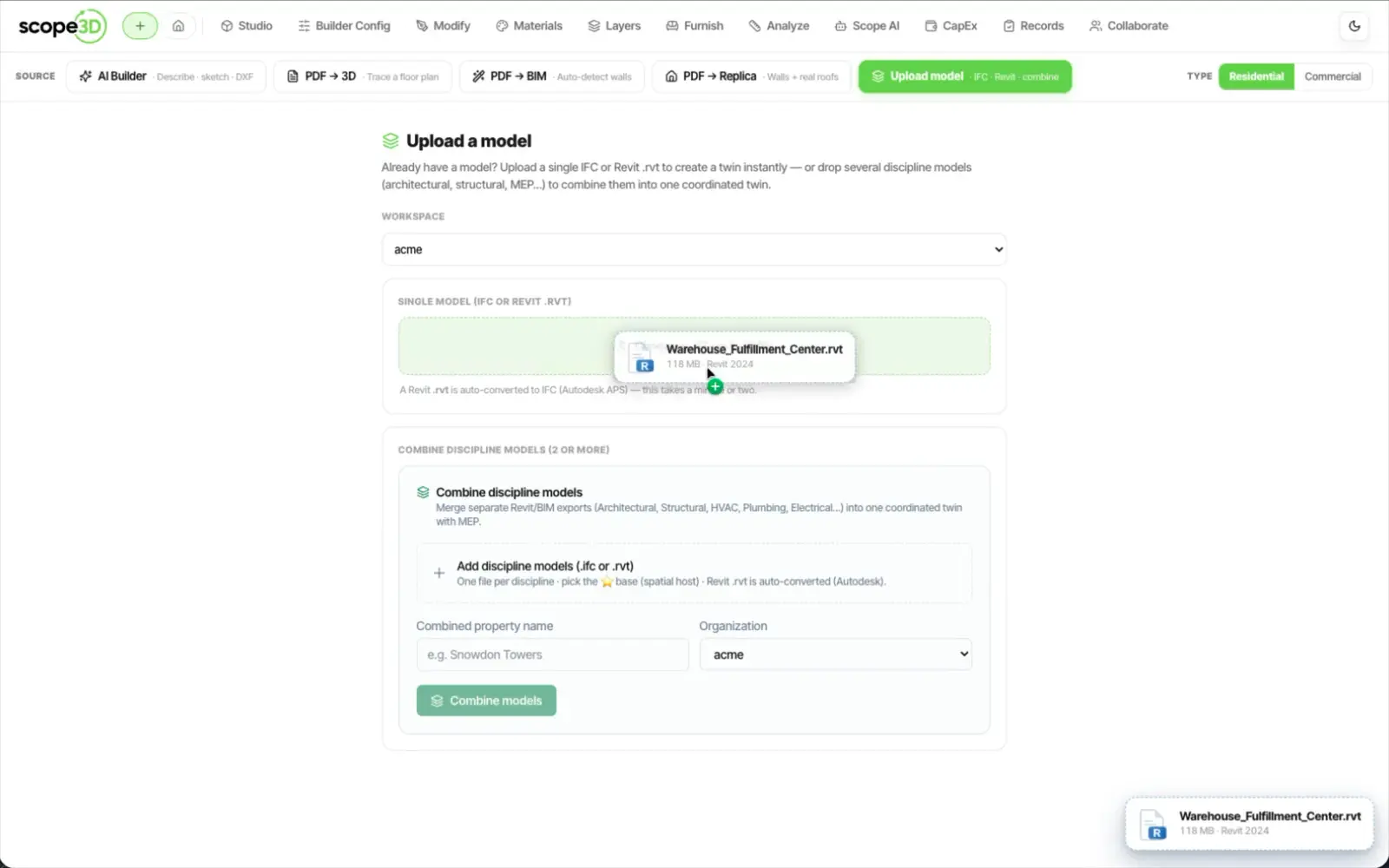
Scope3D reads your files and builds
a live, measured 3D model.
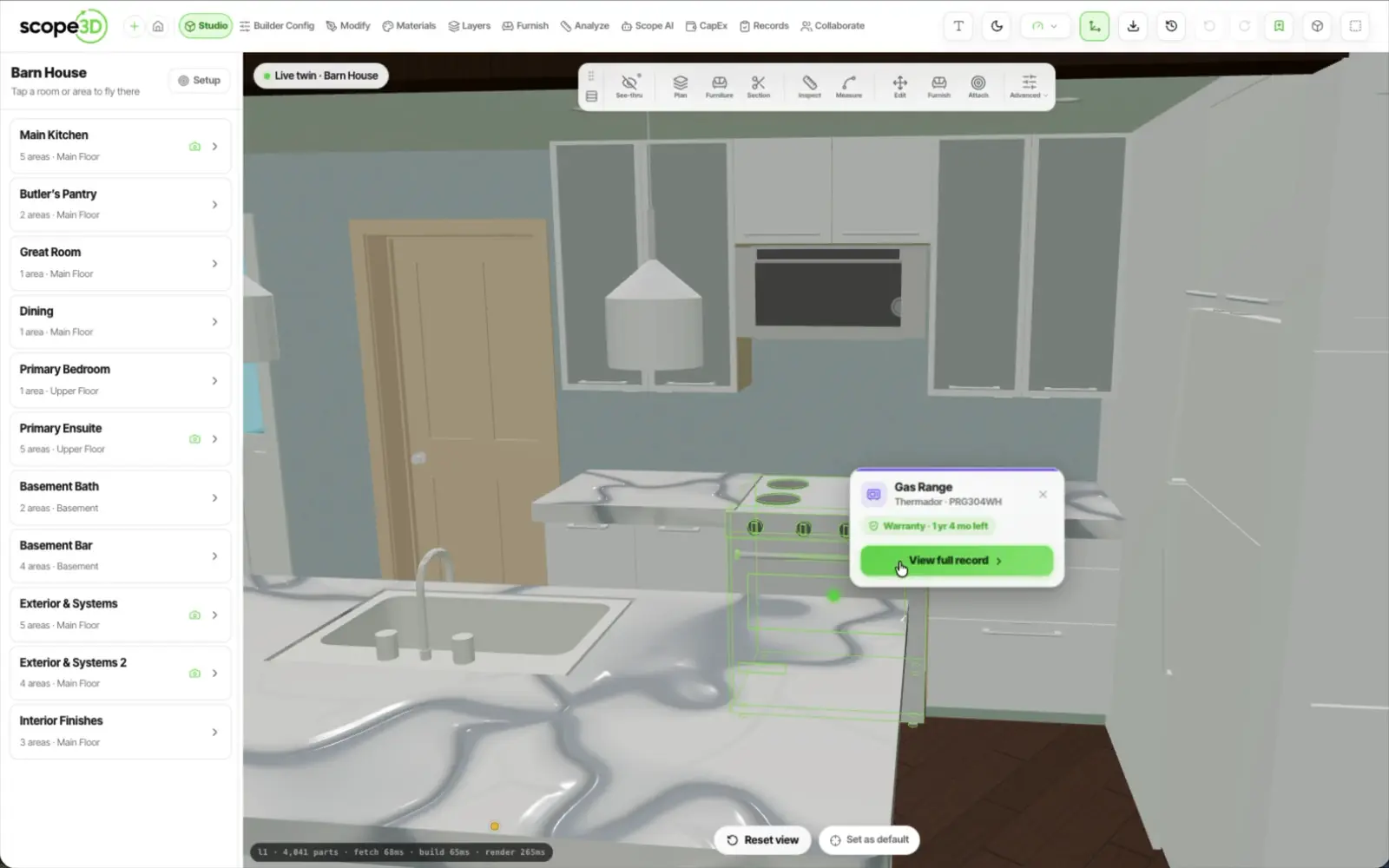
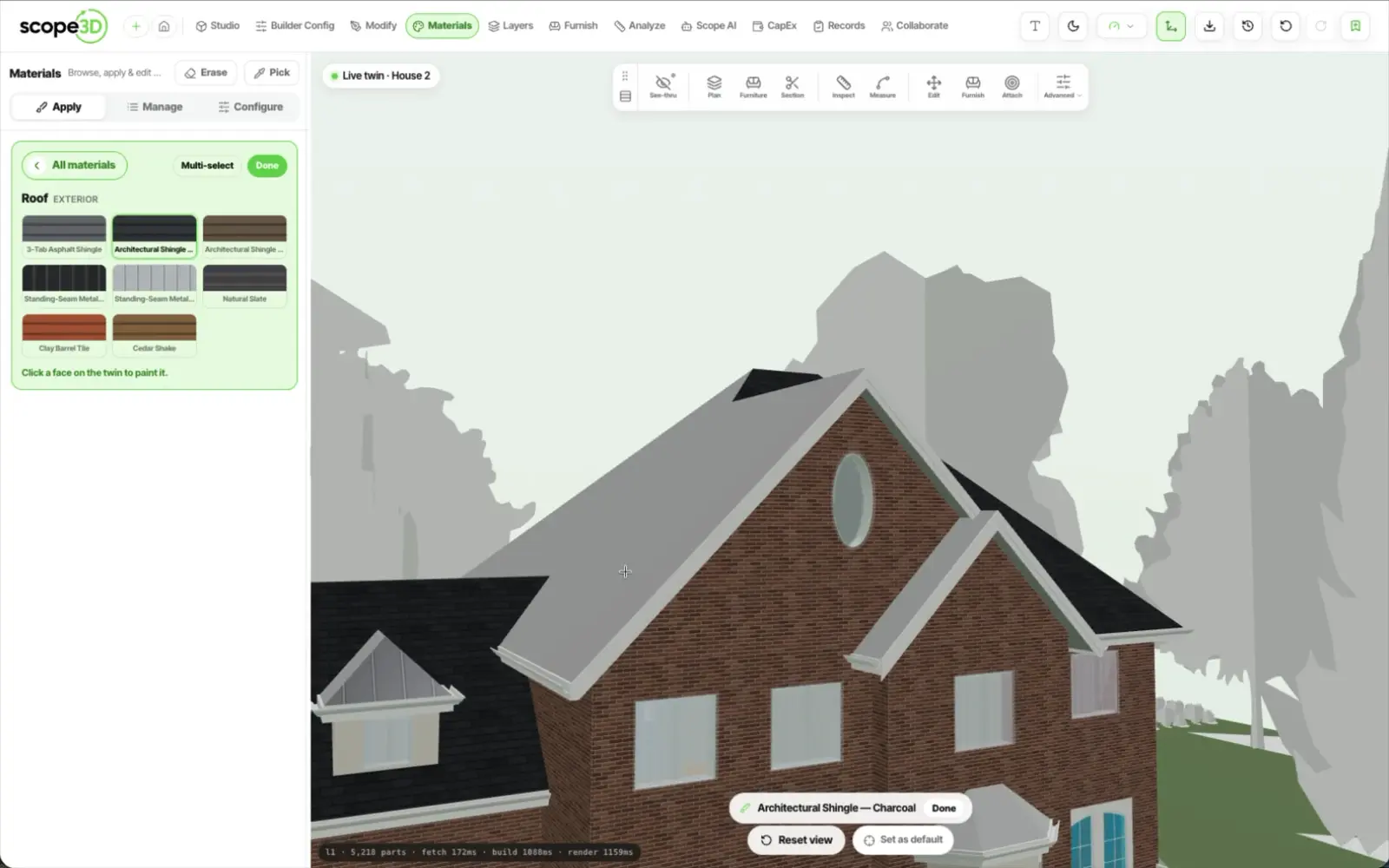
Walk it in 3D, apply finishes,
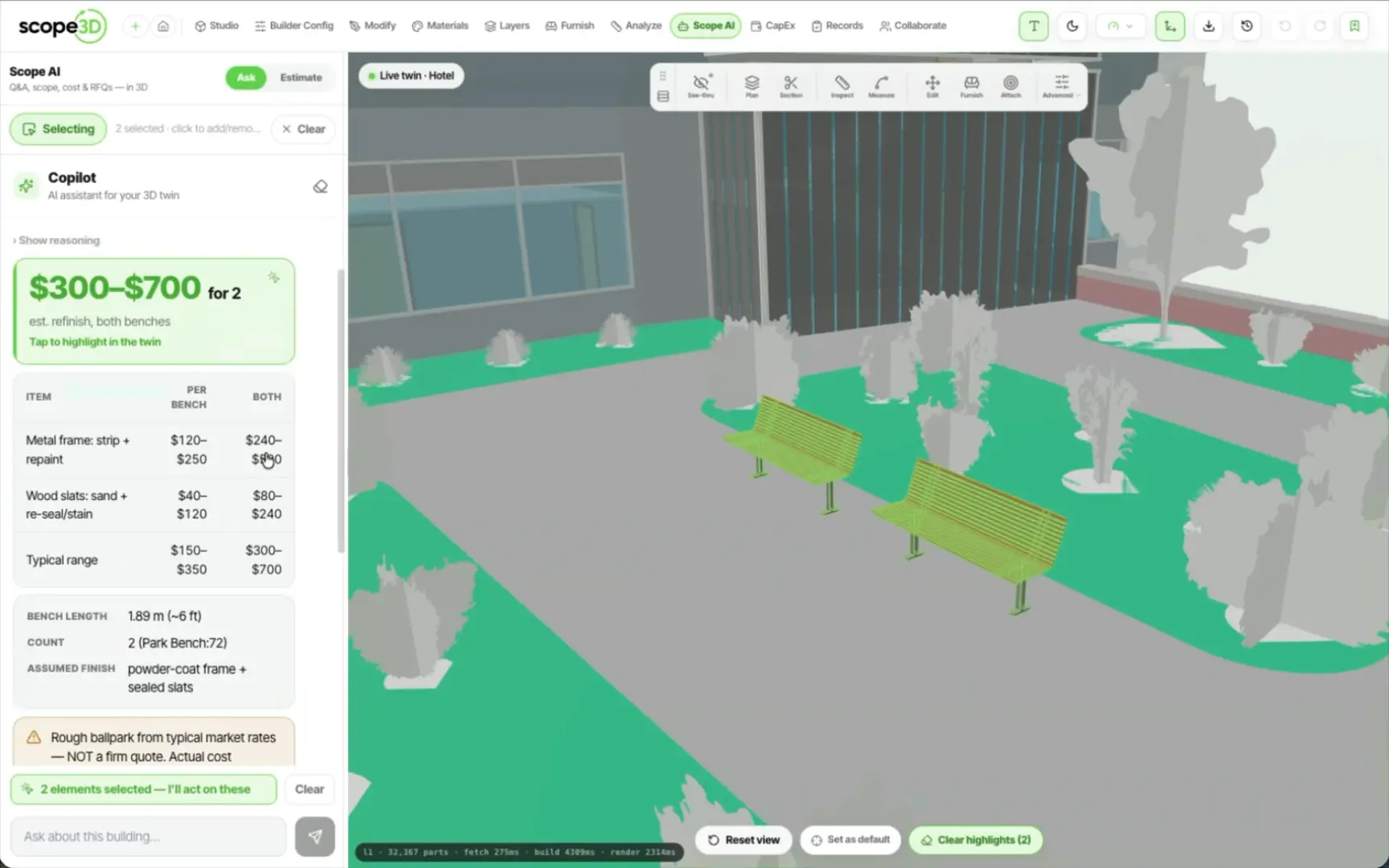
and scope work with AI.
Everything owners ask about turning files into a
twin they can explore, change, and own.
Upload IFC, Revit (.rvt), DXF, STEP, a PDF drawing set, or a
plan-sheet image. That is the whole list, published as a table on
the integrations page, and it becomes one live twin you own.
Most twins are ready to explore within hours, not weeks. An IFC,
Revit or DXF model comes in automatically; a PDF drawing set is traced
and checked first, so you skip the long manual modelling either way.
Not for the studio. It runs entirely in your browser, so you
can open your twin on any computer and start exploring, changing and
scoping right away. Scope3D Desktop for Revit is the exception: that
one is a Windows application you install alongside Revit.
Yes. IFC is the export format, and Revit opens that file
through its own IFC import — a one-way handoff, not a live
link. The model stays open and portable, so you are never
locked into one tool.
Yes. The twin is yours to keep for the building's
whole life, not a one-off export. It stays a living record
you can update, share, and build on for years.
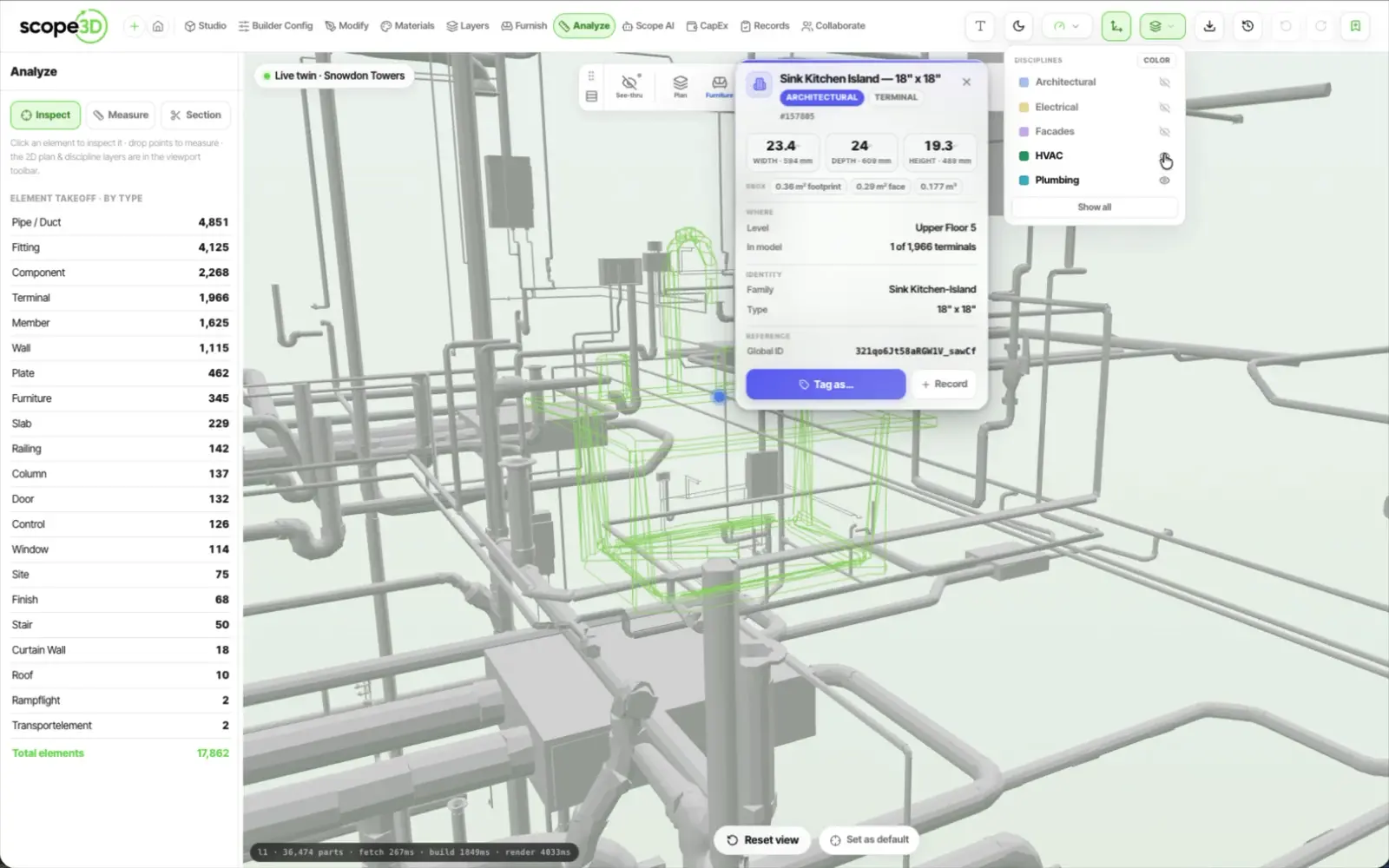
Walk the model in 3D, measure any element, apply real
materials, tag every asset, and use the AI copilot to
scope work and build a multi-year capital plan.
Still have questions? Read the full FAQ, see what it costs, or talk to support.
Upload a drawing set and watch it come back as a measured 3D twin you own — or have us walk you through it first.