
Hello There!
See your building as a living 3D twin you own.
Hello There!
See your building as a living 3D twin you own.
Every run ends with the modelled area set against the number printed on your own sheet. The bands are below, published, and a check that could not be taken never counts as one that passed.
The band the geometry has to agree inside
Rooms enclosed, counted in Revit
verify_trace, run last, once the rooms close
Every verdict the check can return, and what each one sends it to do next. There are three, and this is all of them.
| Result | What it means | What it does next |
|---|---|---|
| Within ~1% | The geometry agrees with the sheet. | Nothing. The run keeps its clean result and says so in the same sentence it says the number. |
| 1–3% | That is one room rather than a systematic misreading. | Find which room. Do not scale everything — a whole-model correction to fix one space is how a small error becomes a permanent one. |
| Over 3% | A dimension is wrong, or a whole space is missing or duplicated. | Back to the sheet and the coordinate table, not to the walls. It names the reading it doubts. |
Net and gross are handled rather than averaged: open-to-below voids and excluded floor such as an attached garage are deducted separately, so a double-height living room does not read as a 4% miss. And adjusting a wall so the total lands inside the band is explicitly forbidden. A model nudged into agreement is worth less than a model that disagrees and tells you where.
The bands are published because they are checkable. If a number here does not match what you see on your own run, tell us — that is a bug, not a tolerance.
Every change to the model is compared against a reading taken immediately before it — new warnings, element counts, solid clashes, whether the rooms still close. The state is read back out of Revit, so the difference is measured rather than described.
And a check that could not be taken is named. It does not quietly pass. An unrun check is never counted as a passed one.
Every change is diffed against the reading before it
One read immediately before the write, one immediately after. The comparison is the check.
New warnings are reported
If Revit complains about something that was fine a moment ago, that goes back to be fixed.
Errors come back verbatim
The line and the reason, so a failure is a one-round fix rather than a guess.
A check that could not be taken costs the run its clean result
It is named in the verdict beside the checks that did run, rather than left out of the count.
Revit hands back a warning list. What comes back here is the cause. The rules match Revit's own wording and state both what caused the warning and what corrects it, so what you read is a diagnosis rather than a count.
62 warnings, one problem
Sixty-two overlapping-wall warnings is one fault reported sixty-two times.
Why the raw list fails
A model handed the list fixes individual walls while the count climbs.
Revit's own wording
Each rule states the cause and the correction, in the words the warning itself uses.
The count changes the verdict
Two overlapping walls is a slip to fix. Sixty is a method to change.
1,396.9 sf against 1,393.4 printed. 0.25% over, inside the 1% band. 16 of 16 rooms enclosed. 0 warnings.
verify_trace Scope3D Desktop
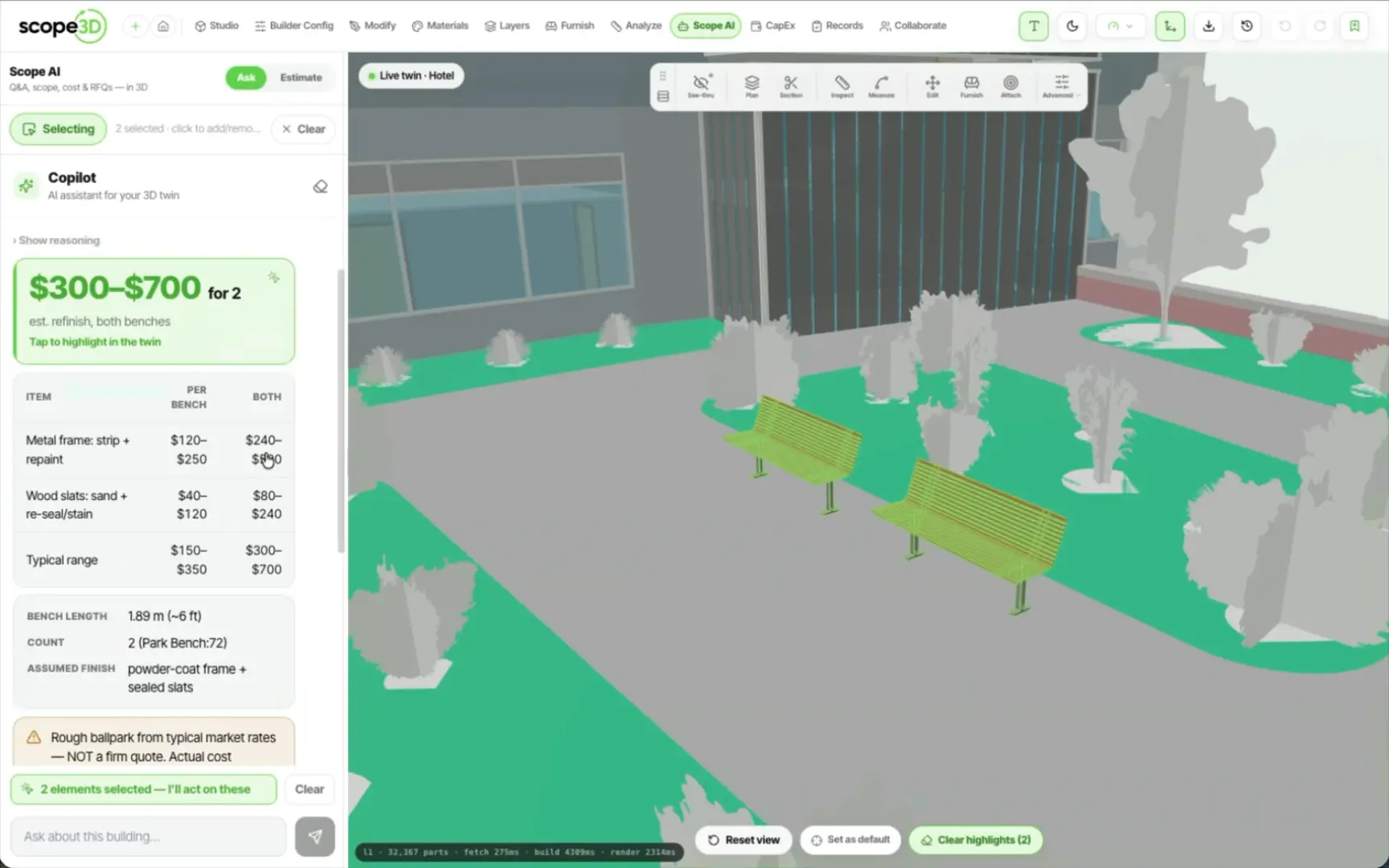
Measure and the surface-region tool report off one shared area formula, deliberately, so one drawn shape cannot read 4.10 m² in one tool and 4.06 m² in another. Every priced line carries the quantity and the unit cost it used. And every element is keyed by its own permanent id, so a plan points at the two benches rather than at a sentence describing them.
“A check that could not be taken is named, and it costs the run its clean verdict. Silence never reads as success.”
The rule verify_trace runs under — Scope3D Desktop · See the desktop app
What the check does when the drawing is imperfect, and what it is not allowed to do about it.
Then there is nothing to check the total against, and the run says so rather than reporting a pass. What it can still reconcile is each axis: the sorted X and Y gridlines are checked against the overall width and depth printed on the sheet, which catches a scale error with no area figure anywhere on the drawing.
No. Moving a wall so the total lands inside the band is explicitly forbidden. A model nudged into agreement is worth less than a model that disagrees and tells you which room to open.
Over 3% is not treated as a tolerance question. It reads as a dimension being wrong, or a whole space missing or duplicated, so the run goes back to the sheet and the coordinate table rather than to the walls — and it names the reading it doubts.
On screen, at the end of the run. verify_trace goes last, once the rooms close, and writes the comparison as a sentence: modelled area, printed area, the percentage, the room count and the warning count. The same line is written into that run's report on disk.
The verdict is the last thing a trace does, so it is worth knowing what happens before it — the six stages, and what gets measured off the sheet, are on how a trace runs, and the app that runs them is Scope3D Desktop.
Your sheet, your printed area, the percentage read out loud — including the runs where the number does not agree.