
Hello There!
See your building as a living 3D twin you own.
Hello There!
See your building as a living 3D twin you own.
“Nobody has to remember to chase anyone.”
Assignee, owner, admin, tenant, vendor
It is a text message
Every live thread, its ladder and its full event timeline
One problem, one thread, one outcome it is trying to reach: acknowledge it, confirm it is done, approve the cost, or claim the job. The building writes in its own voice, set per property, and stops when it gets what it asked for.
There is nothing for the person on the other end to install, log into or learn. It arrives as a text message and they answer it like one.
The thread below is what the engine composes and records. In shadow mode that is where it stops.
The building · 2:41pm
Room 214 reports the AC is not cooling.
Can you take it today?
Maintenance, the ticket's assignee · 2:48pm
On it, 3pm
The building · 2:48pm
Thanks. Logged against the fan-coil unit in 214.
Composed, classified and recorded. Nothing above was sent — that is what shadow mode means, and it is where every pilot starts.
Three loops running on their own, until somebody actually deals with it.
Something happens, a thread opens itself,
and the ladder resolves against real records.
A reply is classified to a fixed list
of intents, not guessed at.
A tick every minute finds the threads
past their reply window and moves them on.
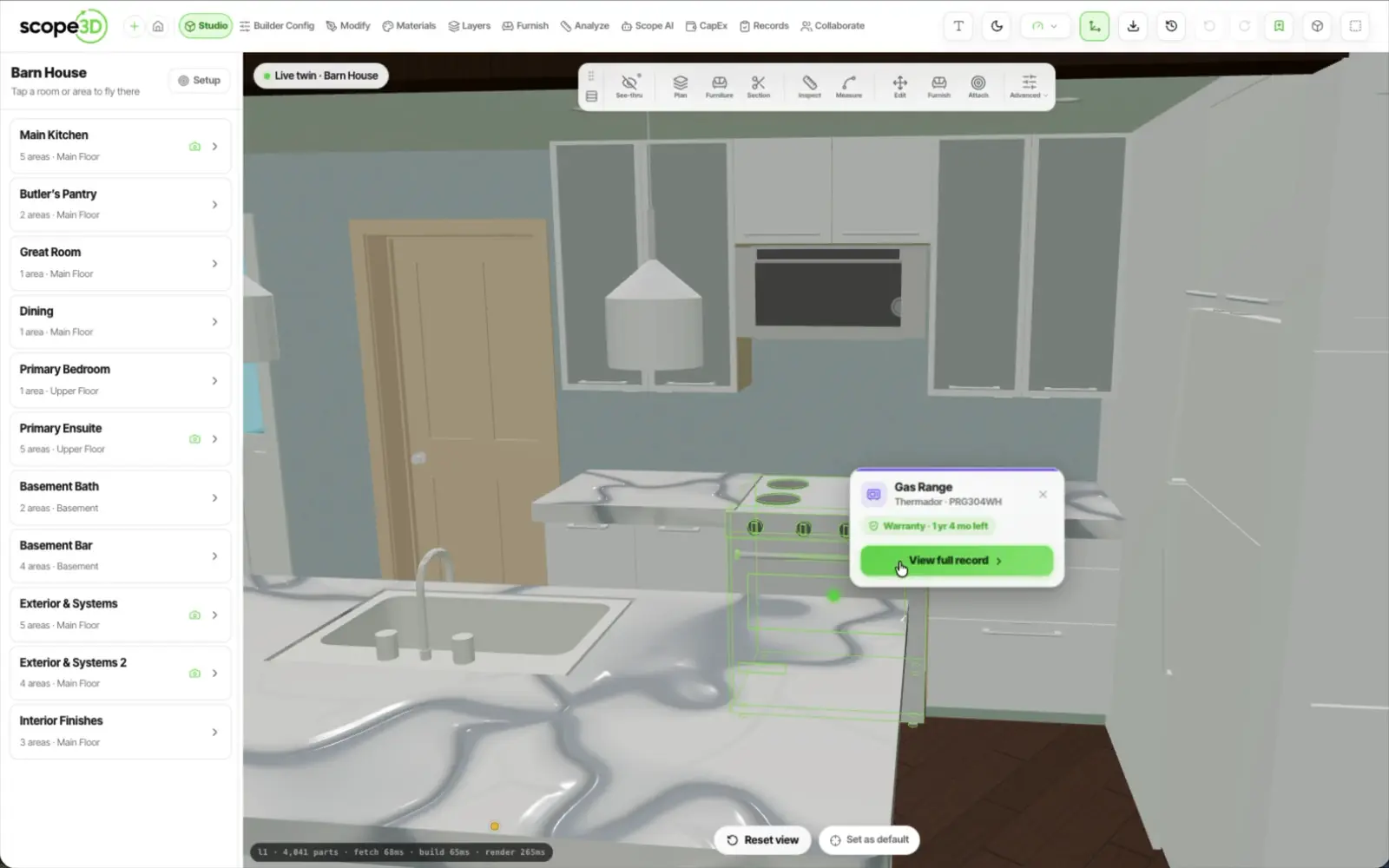
The room recolours on the 3D twin live as the thread moves, so a manager reads the building instead of an inbox. It is the same glow pipeline the ticket health already uses, with the conversation's state laid over the top.
Blue — awaiting
The building has written and nobody has answered yet.
Amber — someone is on it
Acknowledged, or in progress.
Red — escalated
The window passed and it moved to the next rung.
Green — resolved
Somebody said it was done, and the thread closed itself.
Colour needs assets linked to elements. On a building where that linkage has not been done yet, the threads still run and the console still fills — nothing glows.
The engine is finished and it is running. It is deliberately not sending, and it will not start sending on your building because you signed up — it starts because you and we turned it on for one named property.
A system that texts your tenants on your behalf should be boring about its limits. Here are ours.
It is in shadow mode
Every message it would send is composed and recorded. Nothing goes out until live texting is switched on for that one property, and that is a setting on the property, not on your account.
You can take over
Any thread, at any point. Taking over pauses the automatic escalation and hands the conversation back to a person.
You can cancel
One action ends the thread. So does the other side: an opt-out reply is recorded against that number, and every message is checked against that record before it is dispatched — anywhere in your organisation.
Every event is timestamped
In a console scoped to one property: what it wrote, what came back, how that reply was read, which rung timed out and when it closed.
We are switching this on one property at a time. Tell us about yours, and the first thing we do is run it in shadow mode so you can read every message it would have sent.
If yours is not here, ask us and we will answer it properly.
No. It runs in shadow mode: the whole ladder executes, every message is composed, every reply route is wired, and nothing is sent. Real sending is a per-property switch we turn on with you, for a pilot. That is why this page ends in a waitlist and not a price.
Whoever the property's escalation policy names, in the order it names them. The rungs resolve against records you already keep — the ticket's assignee, the property owner, a property admin, the tenant, or a vendor your organisation has approved. A cleaning ladder and an owner-approval ladder are two different ladders on the same engine.
Today, the fact that nothing is sent at all. Opt-out is already enforced: a stop reply is recorded against that number and checked before every message is dispatched, anywhere in your organisation. Quiet hours are held per property as a start and an end hour, and enforcing them — with rate limits and an opt-out screen — is the work we are finishing before any property goes live. We would rather tell you that than let you find out.
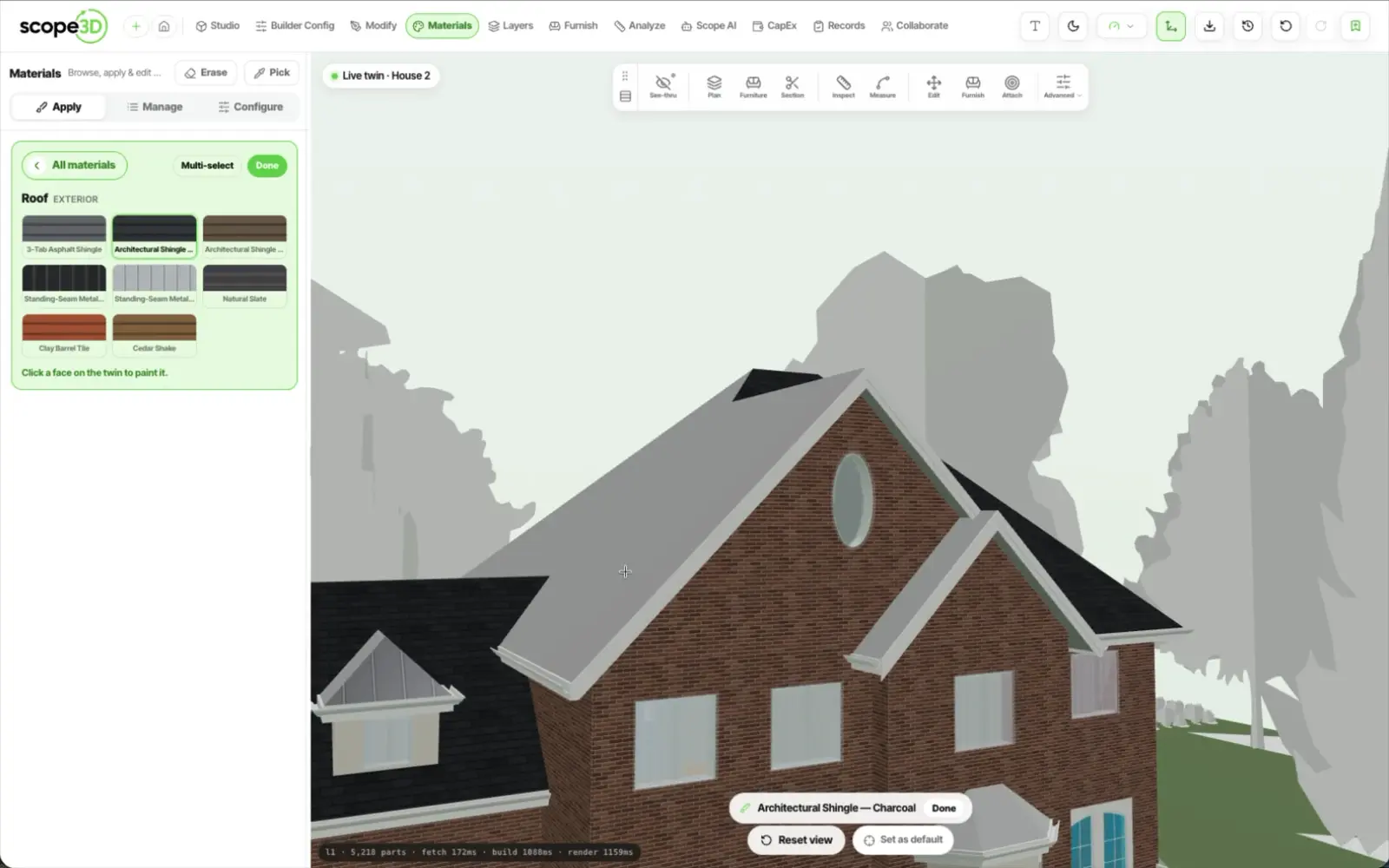
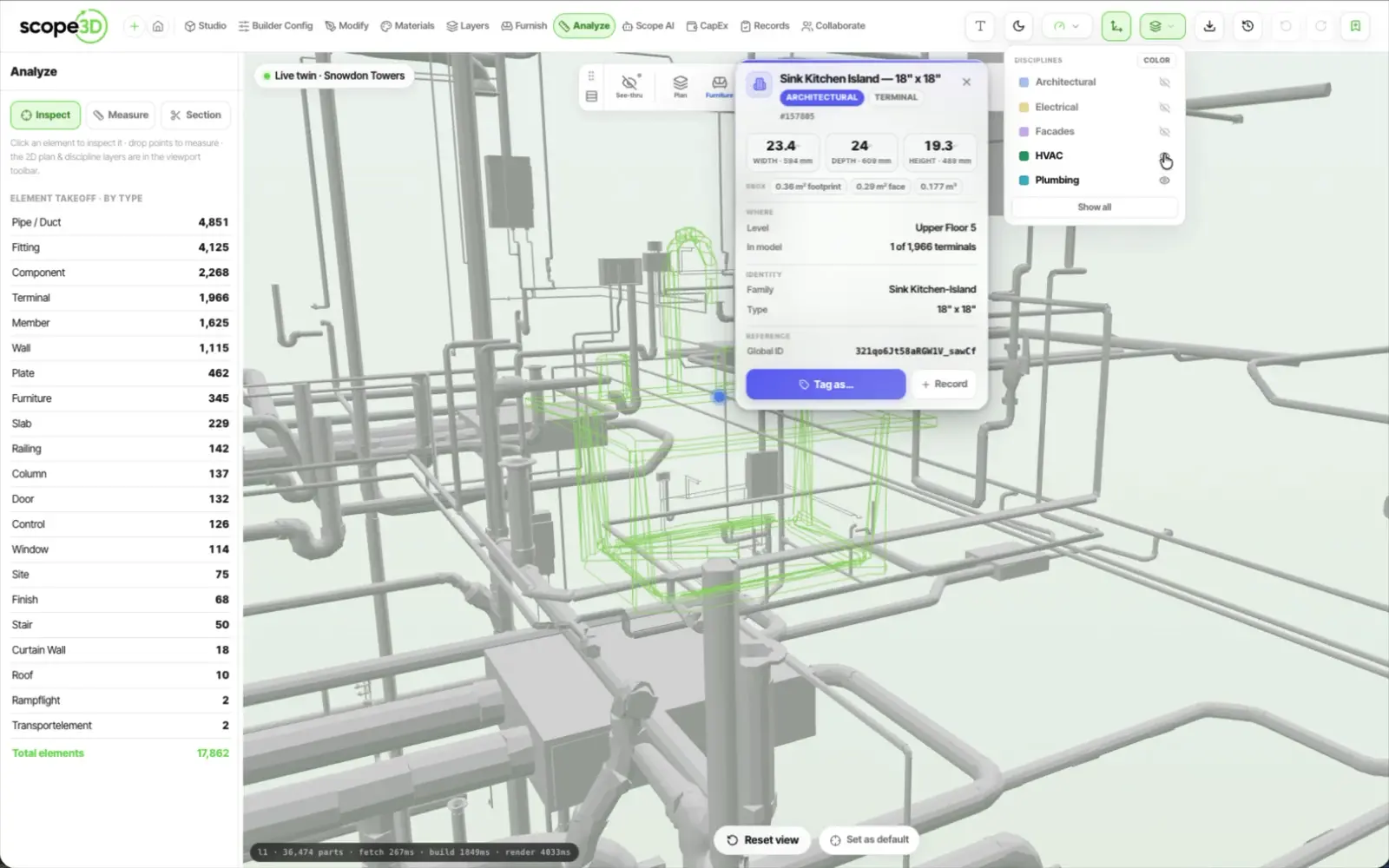
No. The threads, the ladder and the console run off the ticket, the location and the person, and need no model at all. The twin is what makes it visual: with one, the room recolours as the thread moves, and only once its assets are linked to elements.
Leave an email above, or book a demo and tell us about one property. Pilots run one property at a time, starting in shadow mode, so the first thing you read is every message the building would have sent last week.
It starts in shadow mode on one building, so you read every message before a single one goes out.