
Hello There!
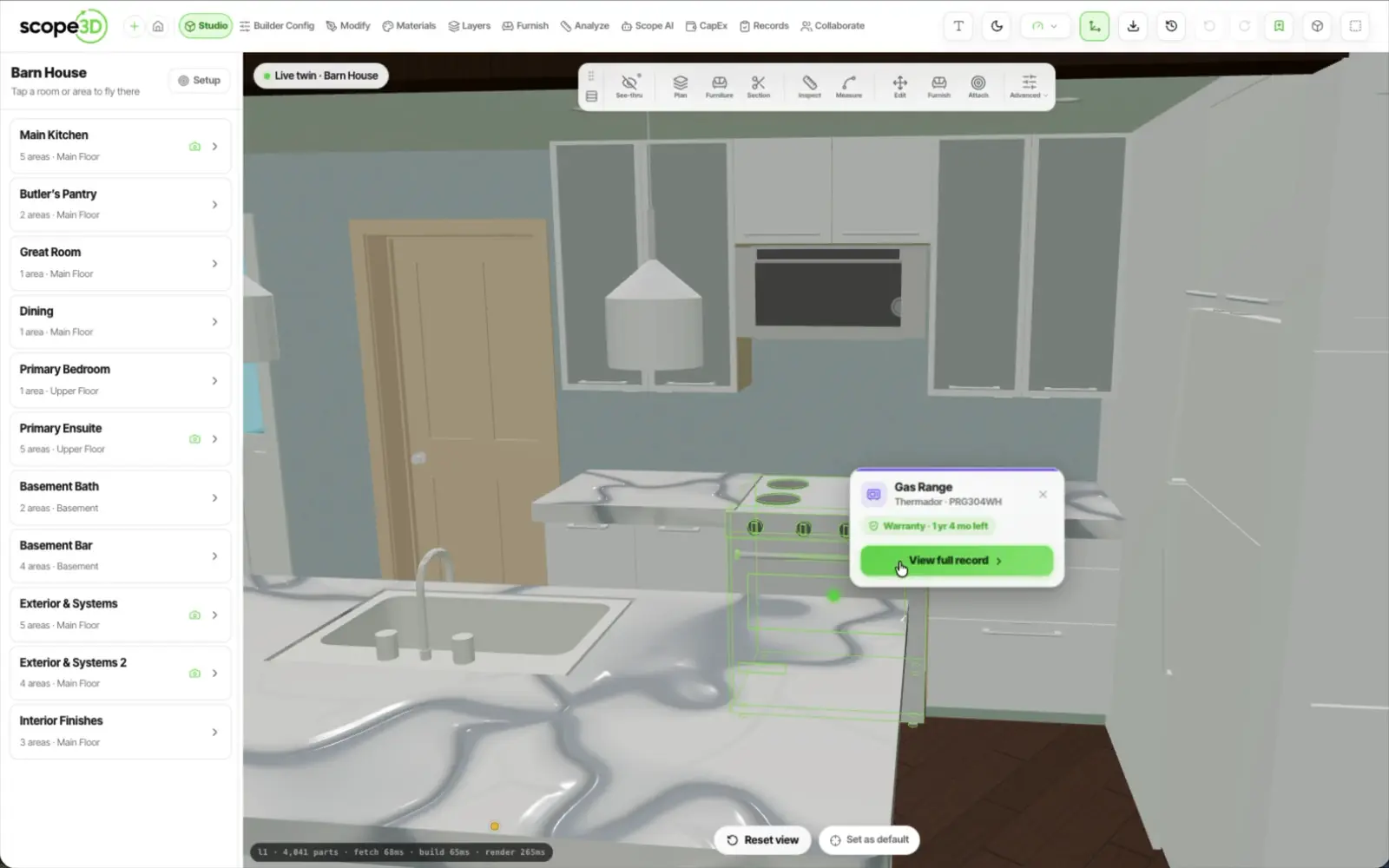
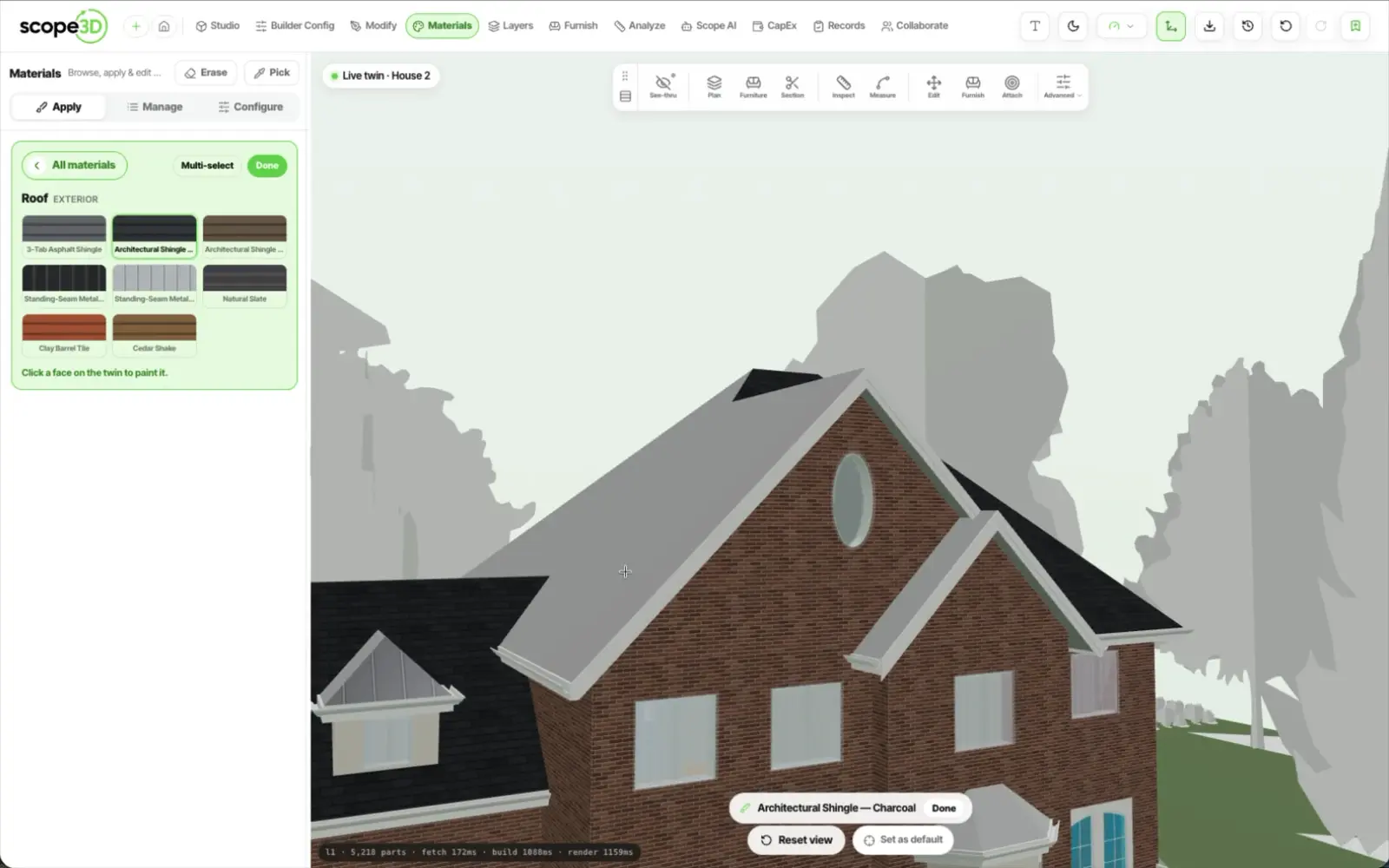
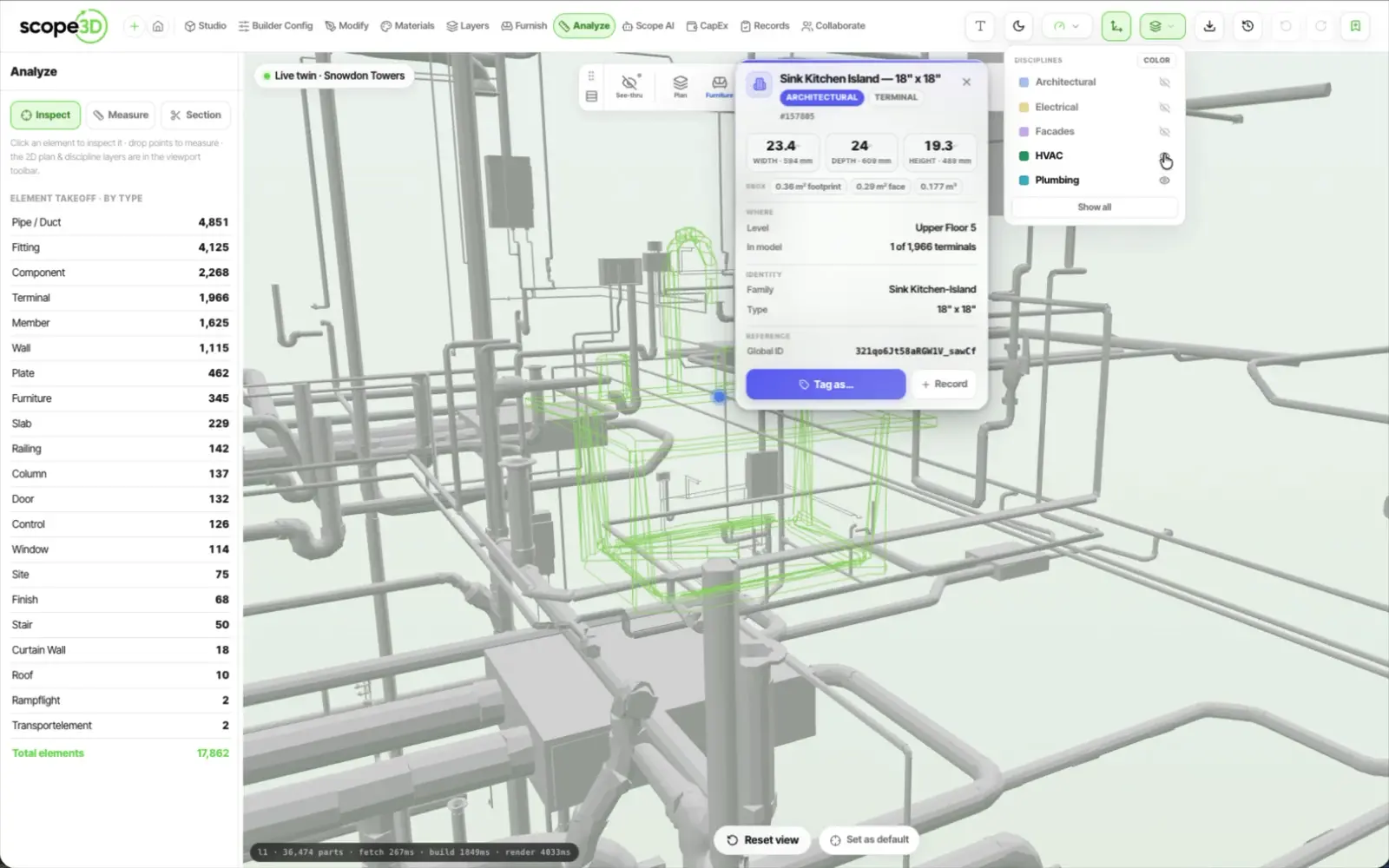
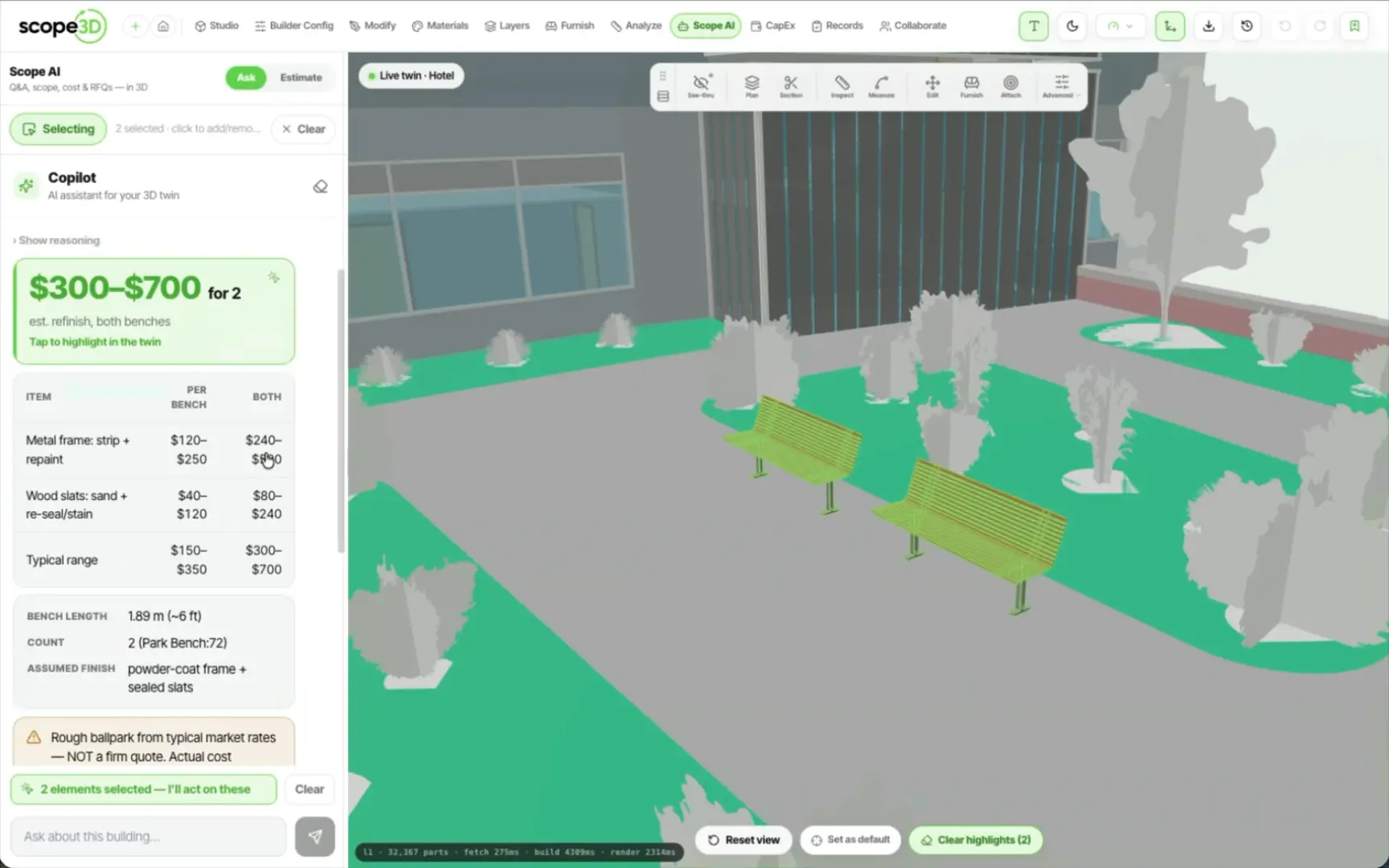
See your building as a living 3D twin you own.
Hello There!
See your building as a living 3D twin you own.
They scan the sticker on the wall. No account, no download.
The code resolves to the room they are standing in and the assets
in it, and the report lands as a ticket with all of that attached.
Scan
a QR code on the room
Text
SMS or WhatsApp
Call
a phone number
No app
and no account
Whichever route it comes in on, it ends up as one ticket
against one location in one building
The landing page resolves the code to
that room and the assets in it, then offers
an AI chat, a voice report or a form.
An inbound SMS or WhatsApp is matched
to a person by phone number, across
tenants, staff and vendors.
An inbound voice assistant takes the
report by phone, and the transcript is
summarised into the record.
A text is read, decided on, and turned into a ticket with the property, the location and the organisation already attached. The thread keeps its channel badge and its delivery status. All three routes are inbound: somebody tells the building. The building writing to somebody first — chasing an assignee, escalating when nobody answers — is a separate early-access pilot, switched on one property at a time. See the pilot
The dossier opens on the work, not the spec sheet. Open
tickets, work orders and health first, the specification
behind a tab, with history and documents beside it.

Rooms and elements recolour on the twin from live ticket
state, so a manager reads the building instead of an inbox.
Colour needs assets linked to elements — until that linkage
is done on a building, nothing glows.
Codes you print, stick and manage yourself, from one room to a whole portfolio.
Code a room, a plant space or a single appliance. The scan resolves to whichever one it was printed for.
The code opens a page that needs no login, so a guest, a tenant or a contractor can use it.
Generate a print sheet for a whole floor at once, rather than a code at a time.
Order the printed stickers from inside the product, with a cart, a checkout and an order history.
A code does nothing until it is registered to a location, so a spare sheet in a drawer reports nothing.
Every scan is logged per property. Retire a code or replace it with a new one, and the old one stops resolving.
The records a building needs beside its tickets, in the same place as the tickets.
Who is in which unit, with a unit-level portal of their own to report from.
Send a tenant the seasonal note before the callout rather than after it.
What was inspected, when, by whom, and what it found — kept against the property.
One place to show the checks a building has to be able to prove it did.
Recall checking is an AI lookup, not a subscription to an official recall database.
The records that answer a callout are the same ones that tell you
what to do before there is one.
A maintenance schedule per
property, built from what that
building actually contains.
Each task carries the checklist
and the guide for doing it, so it
is not one person's memory.
Ahead of the season, and ahead
of the age at which that kind of
unit usually starts failing.
Every ticket shows where it
stands against its SLA, and says
so when it breaches.
Want the building to chase people for you? That part is an early-access pilot, switched on one property at a time.
See the pilotBring one building and the way problems reach you today. We will walk a scan, a text and a call through to a ticket on it.