
Hello There!
See your building as a living 3D twin you own.
Hello There!
See your building as a living 3D twin you own.
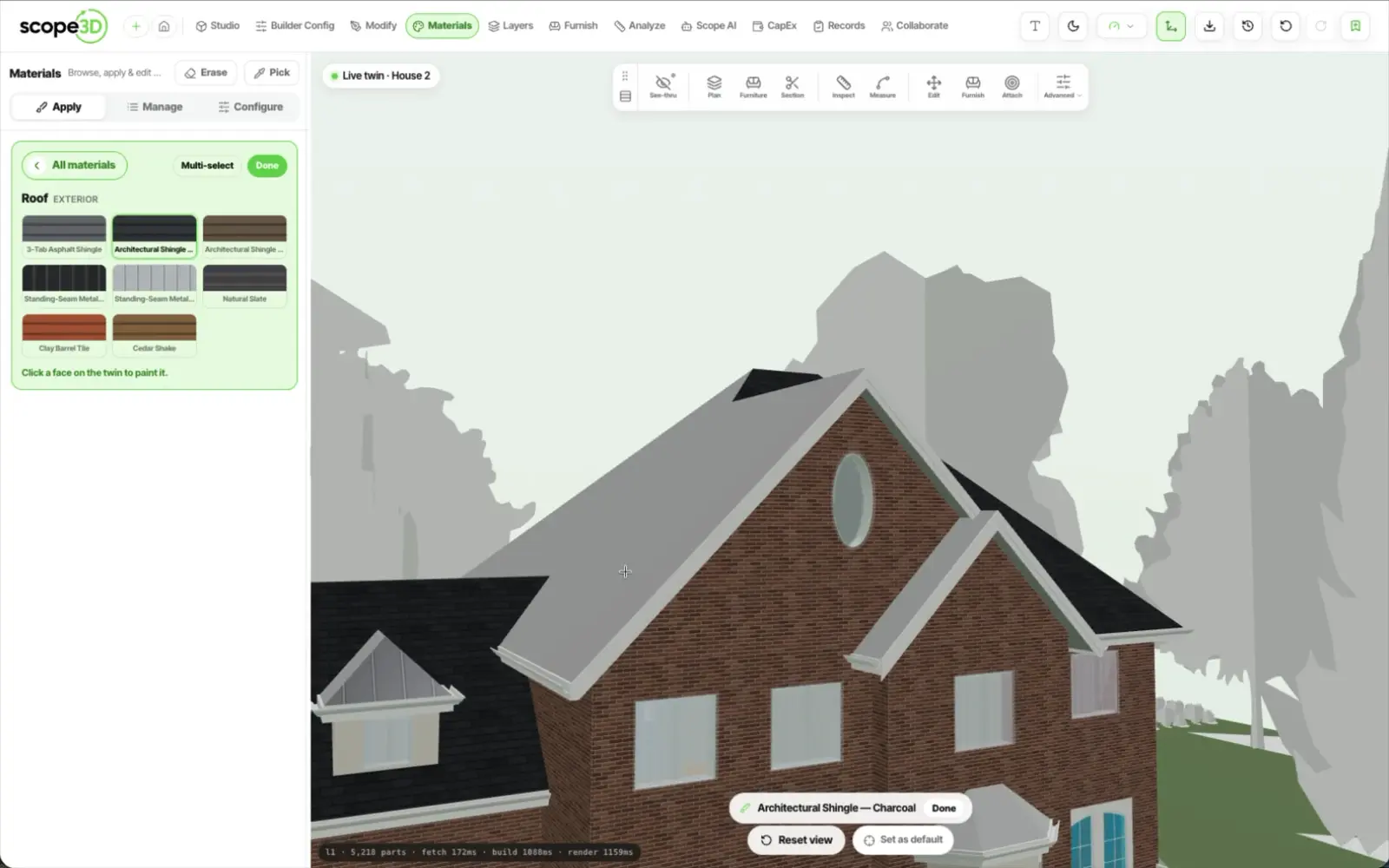
Move it, resize it, remove it, put it back. Say what changed on the building and the copilot makes the edit on the real geometry — then stops, so you can look at it before anything is committed.
No CAD licence, no plugin, no export round trip. The person who knows what changed is the person who records it.
The solar array moved because somebody said where it should go
Arm the tool, click an element to anchor a face, then draw a
ring on it. The ring is stored in that face's own 2D metre
frame, so the area is a plain measurement and the patch
cannot slide along its wall.

Every geometry edit is captured as a restore point on a
timeline, with a separate model-version history for IFC
revisions. Reverting is not restoring a file and losing
everything after it.
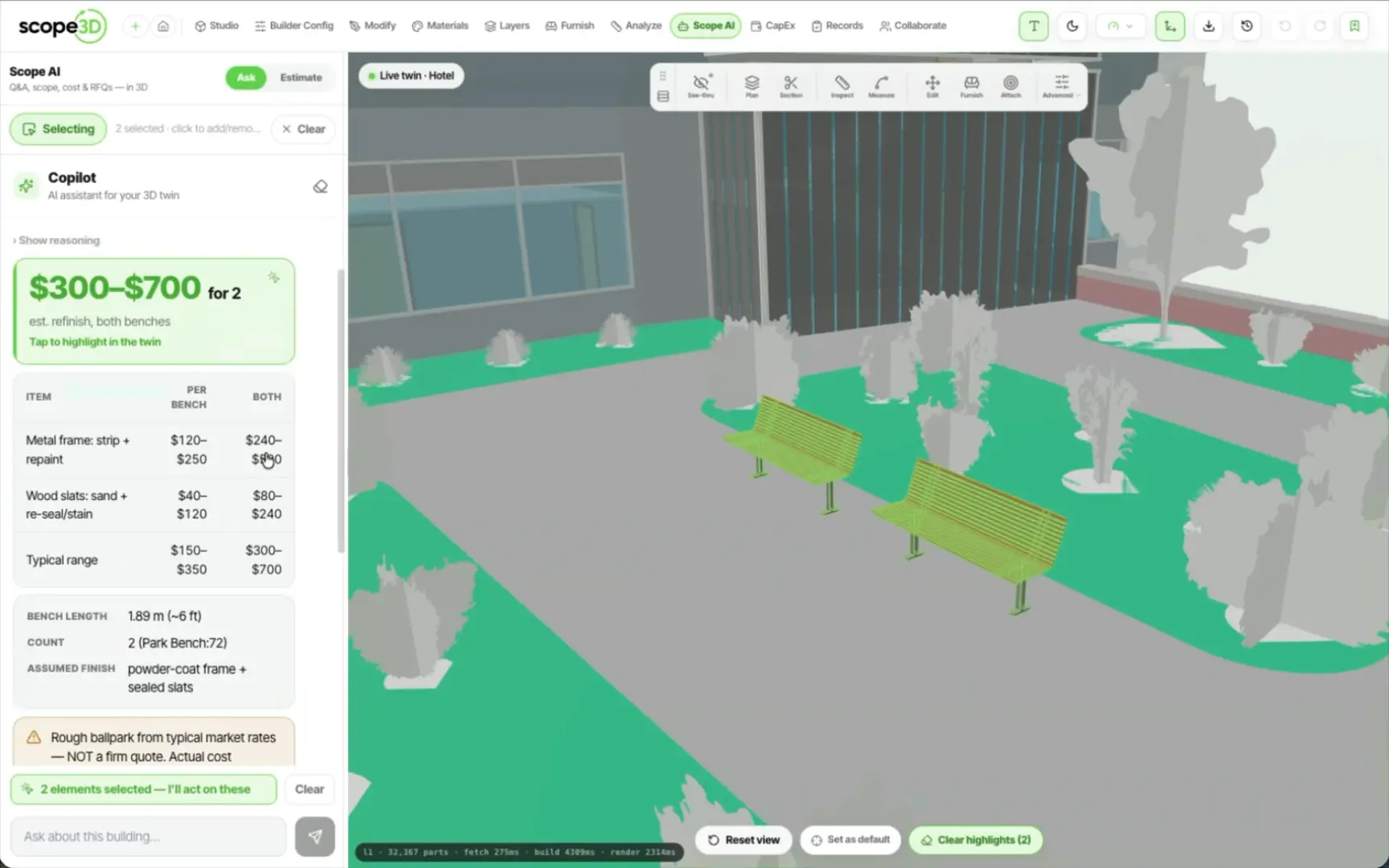
The copilot separates reading from writing. Answering a question, flying the camera or highlighting an element simply happens. Anything that spends money arrives as a chip you tap — priced, and carrying the elements it is booked against.
Raise the work order
From the element in front of you, carrying its description, its quantity and its link to that element. Nothing is re-typed.
Book it into the capital plan
A priced line in the year you name, anchored to the elements it priced rather than to a sentence about them.
It will not book a number it does not have
A booking with no quantity and no unit cost is refused outright, rather than quietly written as a zero.
Money never fires itself
Camera and highlight actions run as they arrive. Anything that spends waits for a tap, every time.
Letting a copilot change a building model is only reasonable if you can see the change first and get back afterwards. Both are built in, and neither depends on you remembering to do anything.
The same rule covers the paperwork: a record that costs money is priced and offered before anything is written.
Nothing is applied until you approve it
The edit is previewed on the real geometry. Until you accept it, the model is unchanged.
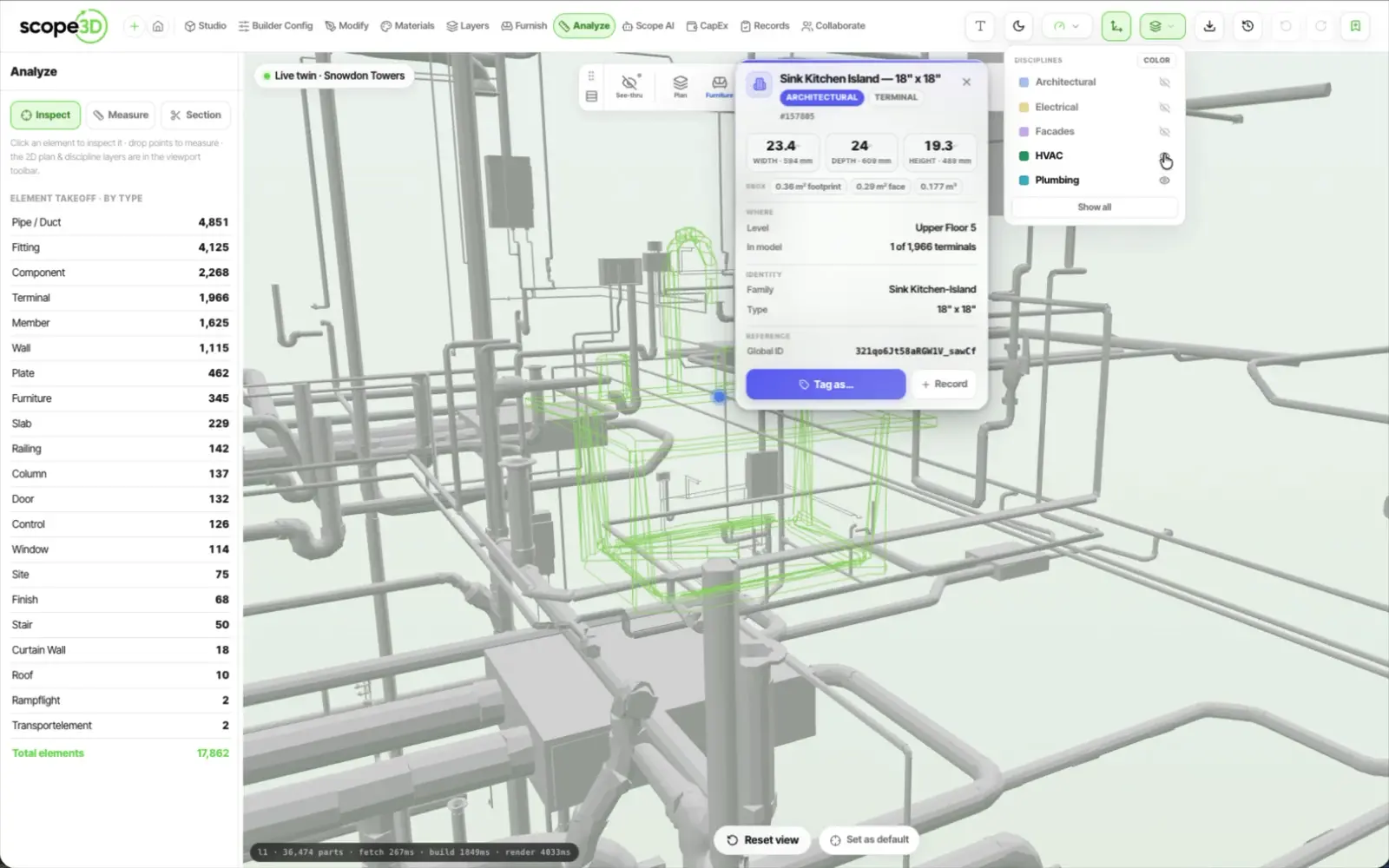
Every element is keyed by its permanent id
So a change, a note or a priced line points at the thing itself rather than at a sentence describing it.
Every restore point survives a save
Going back is not a five-minute window. It is a timeline you can still use months later.
Nothing that spends money runs by itself
A work order or a capital line is offered as a chip carrying its quantity and its unit cost. You tap it, or it never happens.
“The array moves because somebody said where it should go, and the twin keeps up with the building.”
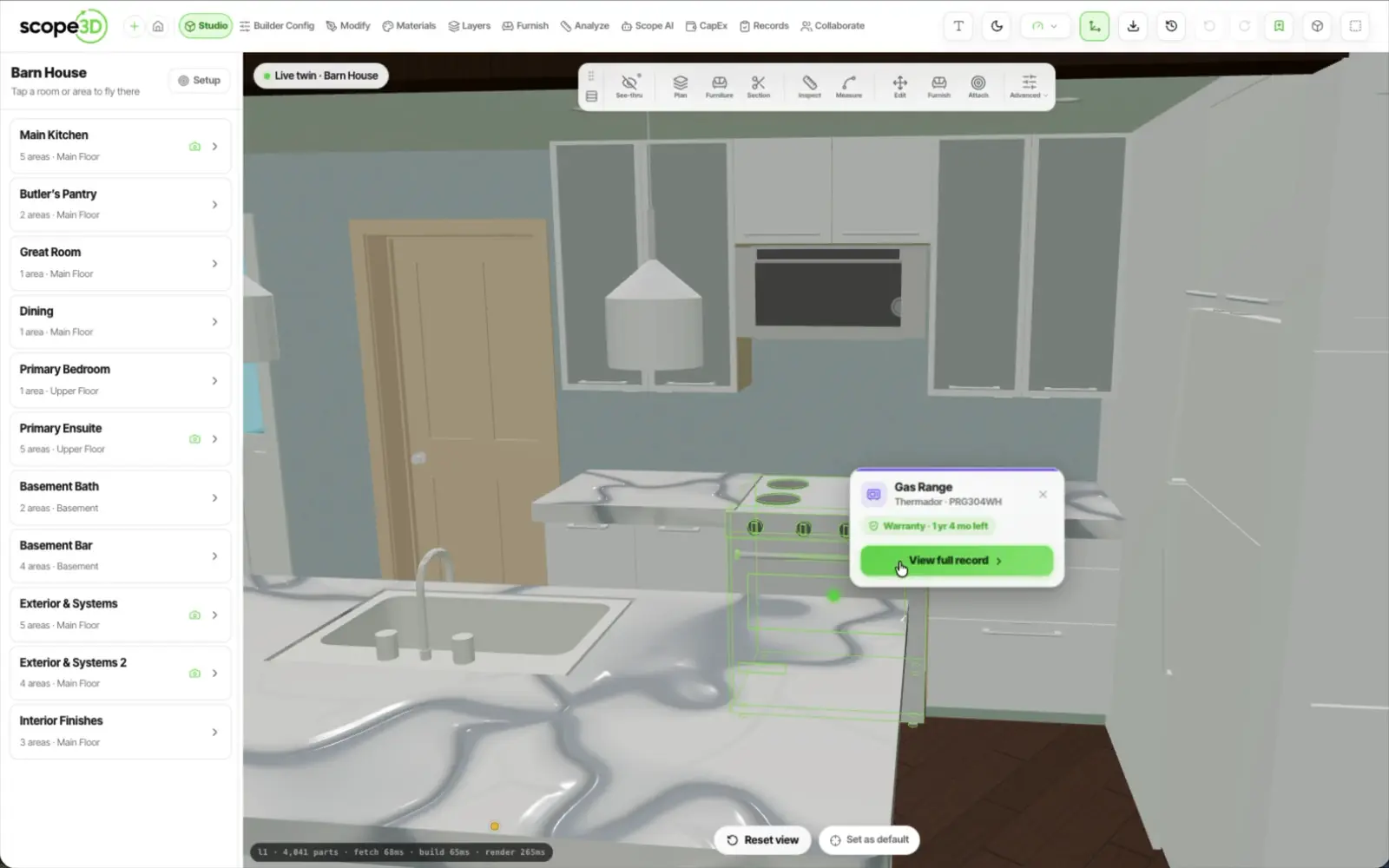
Barn House — solar panels repositioned by asking · Read the article
What the edit is written into, how far back you can go, and who is allowed to do it.
Yes. The change is written into the model itself, keyed to the element's permanent id rather than to what was on screen when you asked. Export the IFC and the change is in it — and Revit reads that back through IFC import.
Yes. Every geometry edit becomes a restore point on a timeline, and restoring one works long after the save. IFC revisions carry their own separate version history, so going back to an earlier shape does not mean losing everything that happened since.
Yes, as long as each element still carries its own id — which a Revit IFC export does. A model that arrives as one merged shape, which some SketchUp exports produce, has no per-element id to key an edit to. Send us the file if you are not sure which you have.
Authors. Editing geometry needs an Author seat; Managers annotate and assign without changing the building, and the stakeholders you invite to look, comment and sign off are free and hold no billable seat.
Roles and sharing in detail on security, or read the full FAQ.
Open a twin, say what changed, and look at it on the real geometry before you keep it. Nothing applies until you approve it.