
Hello There!
See your building as a living 3D twin you own.
Hello There!
See your building as a living 3D twin you own.
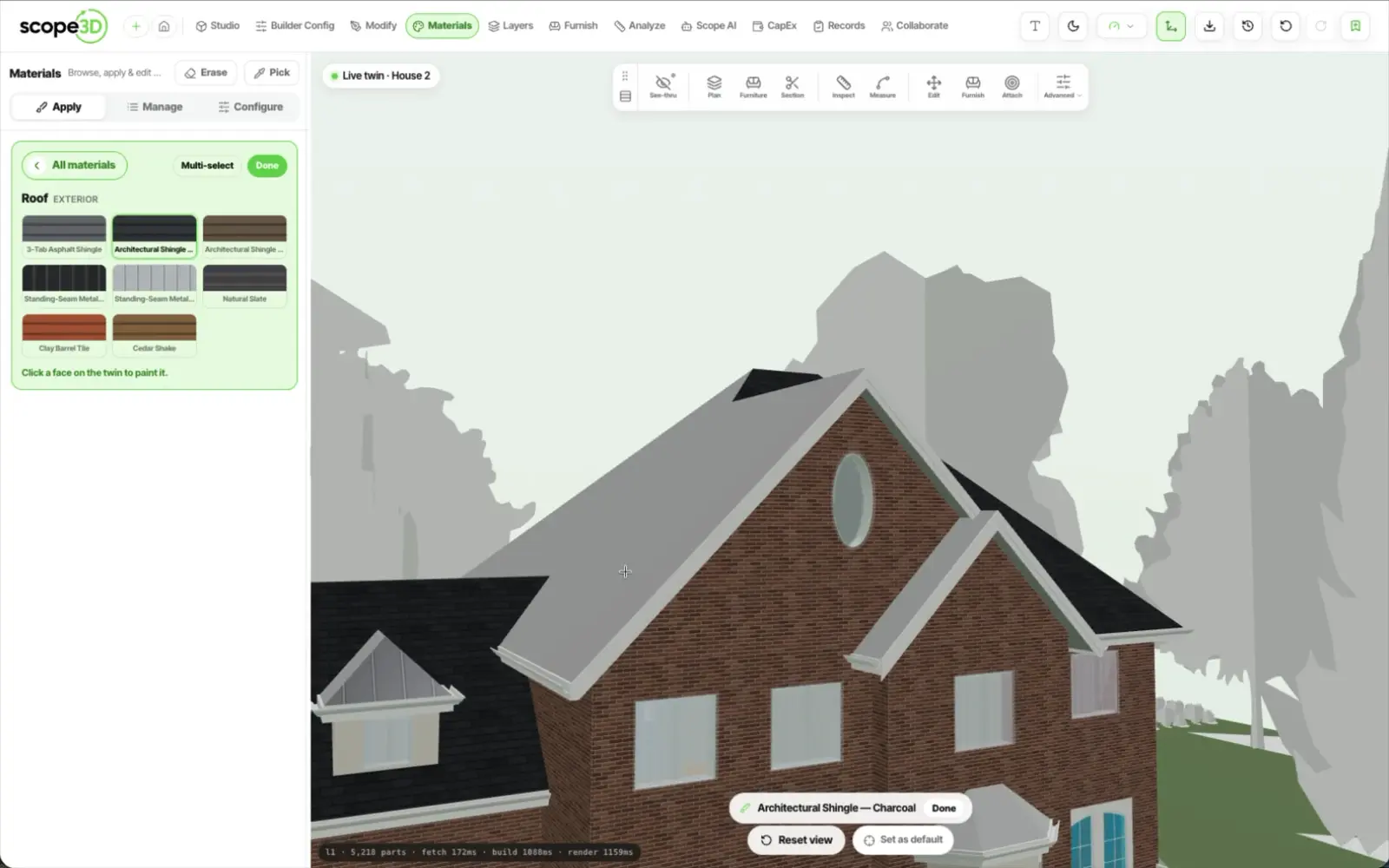
Builder Config turns a twin into the option list for that one unit. Base and alternates sit as swatch cards; picking one repaints the real element in front of the buyer. No card carries a price — that is deliberate.
Every category opens with the option already included in the
house, then everything you offer above it. Each card carries
its swatch, its warranty line, its maintenance line, and the
days it adds to the build.

An open main floor is one slab in the model and four rooms to
a buyer. Name the areas on that slab and each one keeps its
own finish, so the dining floor can differ from the kitchen
floor without splitting the model.
A buyer asks about the island, not about the casework family.
Set the scope to the element, to a part of it, or to the single
face they are looking at, and the finish lands there and
nowhere else.
The selection set is one row per area they changed — room,
area, option, swatch — with the longest lead time on the list
surfaced as a single construction-impact line. Save it and the
twin opens on that configuration for whoever opens it next.
Builder Config is a material overlay on a real model, not a quote. Every builder prices the same walnut slab differently by region, by lot, by release and by the deal in front of them, and a number sitting under a swatch would be wrong in one of those cases within a week.
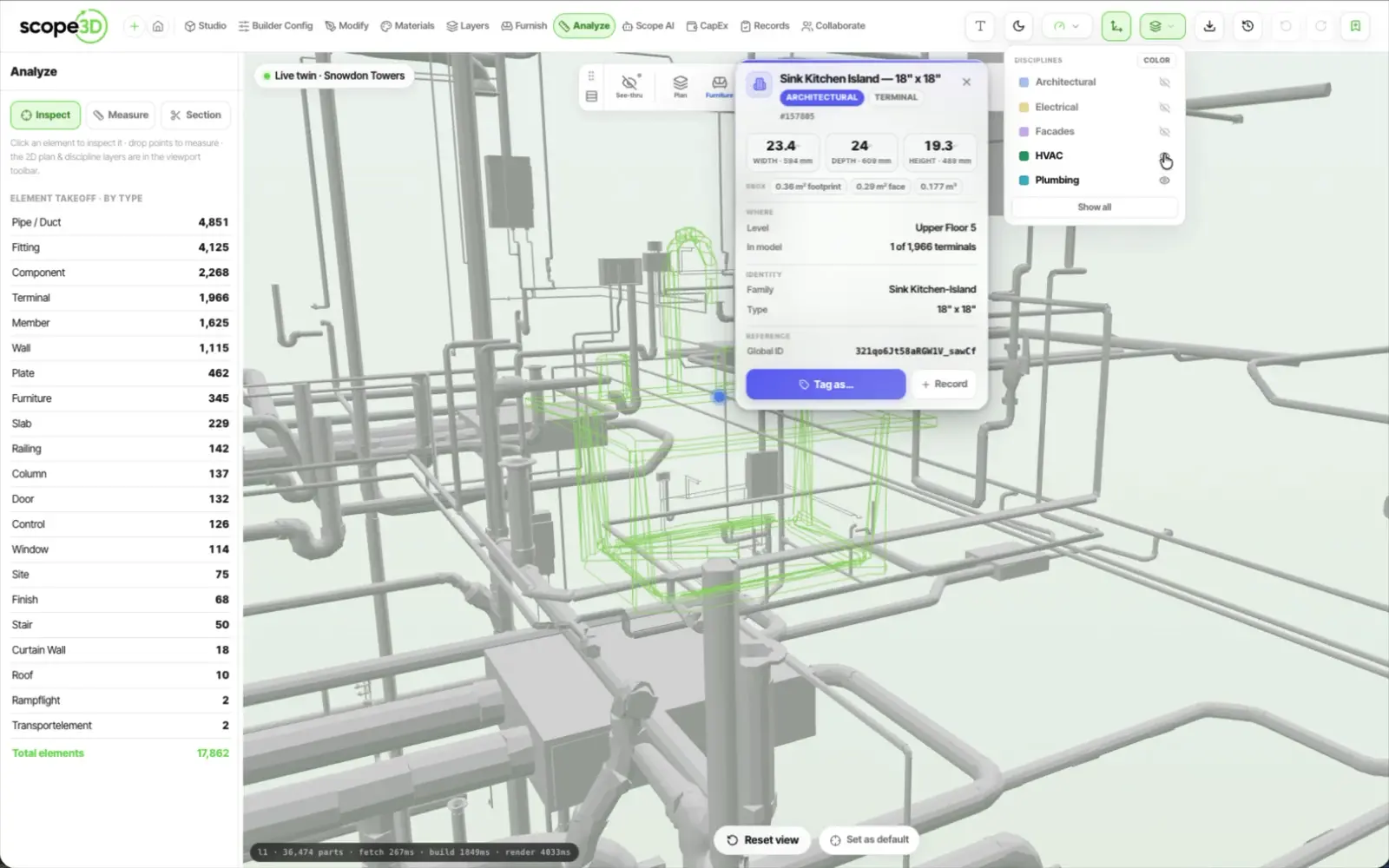
So the twin answers the question a price list cannot — what does it look like in my house — and the cost conversation stays where you already run it, with your sales agreement and your option pricing. If you want quantities and unit costs out of a model, that is a different tool on the same twin: capital planning and take-off.
Builder Config is one mode. The buyer showcase sits on the
same model as everything else you do with it
Send the model for a single plan. We will set its areas up with you and load your base and alternates onto it.